Official demo guide - Checked July 30, 2026
Tomodachi Life Demo: Welcome Version Guide
Tomodachi Life: Living the Dream – Welcome Version is Nintendo's free Switch demo. You can create an opening island roster, try selected activities, carry eligible progress into the full game, and earn the hamster outfit after completing the demo. Download it through Nintendo eShop—not an APK, ROM, NSP, XCI, or PC installer.
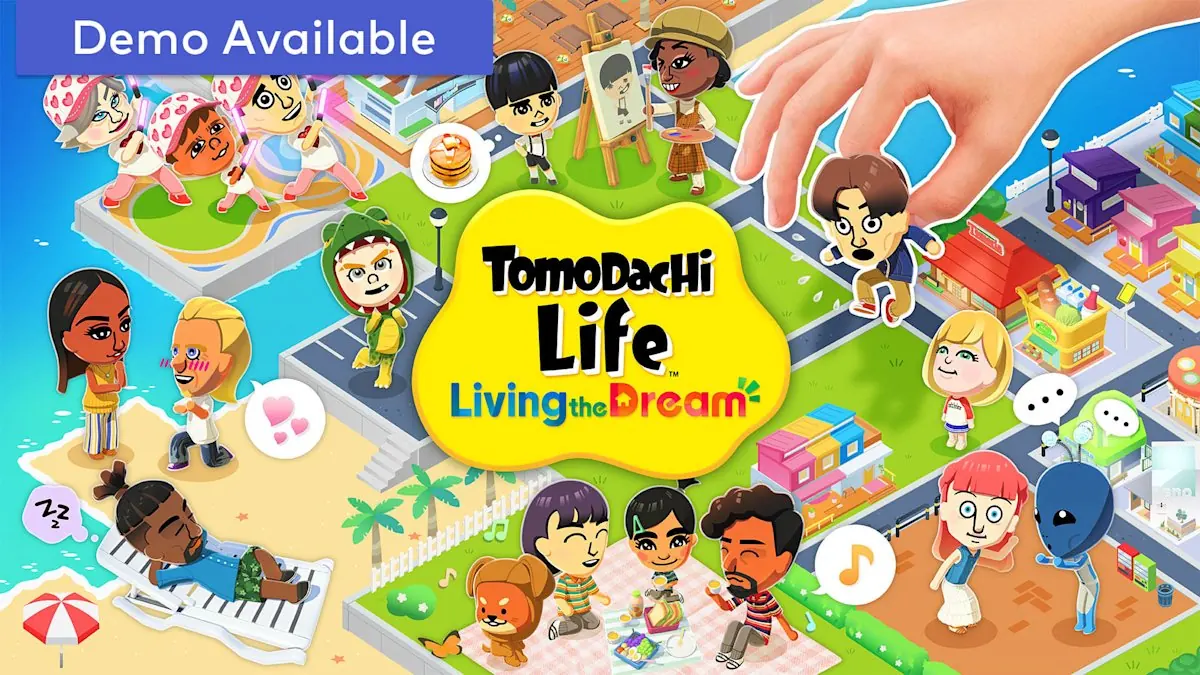
Free official demo
The Welcome Version is offered by Nintendo for Switch-family systems. It is a limited preview, not a free copy of the complete game.
Progress can transfer
Eligible save progress from the demo can continue in the full version on the same user and system environment.
Demo Ver. 1.0.1
Nintendo Support lists Welcome Version Ver. 1.0.1. The full game's current Ver. 1.0.4 is a separate update track.
Verified Official Demo Links
Nintendo does not publish a stable public APK, NSP, XCI, ZIP, EXE, or direct demo-file URL. Use the official page or Nintendo eShop as the download destination.
Welcome Version demo page
Nintendo's official product page for the free demo and its progress-transfer details.
Open official demo pageWelcome Version update notes
Nintendo's instructions and version history for the demo, including Ver. 1.0.1.
Read demo update notesFull-game update notes
The separate support record for the full game, currently Ver. 1.0.4 as checked July 30, 2026.
Compare full-game versionWhat Is the Tomodachi Life Demo?
The official Tomodachi Life demo is named Tomodachi Life: Living the Dream – Welcome Version. It gives new players a controlled introduction to the island, Mii creation, personalities, homes, requests, and selected daily-life systems before purchasing the complete game. Nintendo presents it as a free Nintendo eShop download for compatible Switch systems. It is not a browser game, Android package, Windows program, emulator bundle, or community-made ROM. The most important version detail is that the demo and full game have separate update numbers: Nintendo lists Welcome Version Ver. 1.0.1, while the full game is on Ver. 1.0.4 as of this guide's July 30, 2026 verification.
| Release | Cost | Verified version | Official distribution |
|---|---|---|---|
| Welcome Version demo | Free | Ver. 1.0.1 | Nintendo eShop / official Nintendo page |
| Living the Dream full game | Paid | Ver. 1.0.4 | Nintendo eShop / physical retail where available |
What Can You Do in the Welcome Version?
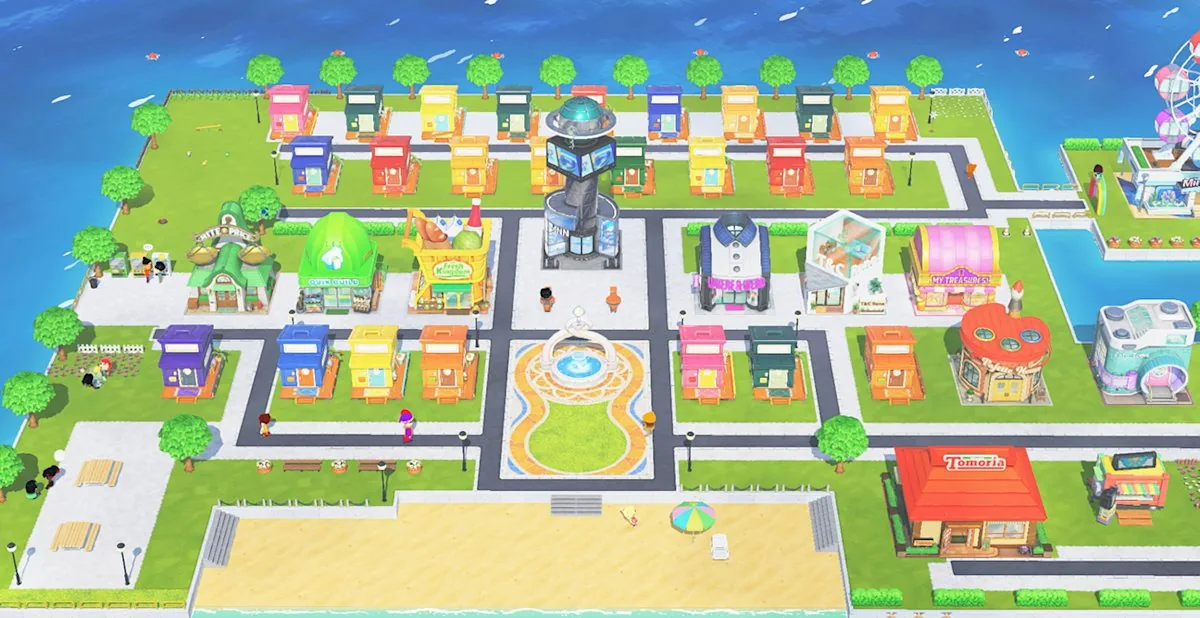
Nintendo's regional demo information confirms that the Welcome Version lets players create up to three Miis and begin shaping a small island community. You can define personalities, place residents in homes, observe interactions, and complete the guided demo content. Exact play time is not a reliable promise because players spend different amounts of time creating Miis and exploring. Treat pages that advertise a guaranteed number of hours, every full-game building, or unlimited progression as unofficial unless Nintendo says so.
Create an opening cast
Build up to three starter Miis, adjust their appearance and personality, and see how those choices affect early island interactions.
Learn the main loop
Visit residents, respond to introductory concerns, observe conversations, and learn how the island's everyday request-and-reward rhythm works.
Prepare for the full game
Use the preview to test whether the humor, Mii creation, social simulation, and relaxed pace match what you want before buying.
How to Download the Tomodachi Life Demo
Use Nintendo's own storefront flow. There is no reason to install a third-party launcher, provide a survey code, unzip a password-protected archive, or download a file labelled APK, NSP, XCI, ROM, or EXE. A public product page may send you to Nintendo eShop or ask you to sign in; that official account-and-console flow is different from a stable direct file URL. Because Nintendo does not publish a permanent raw demo-file link or a public demo size in the checked support pages, this site uses the official page as the safe fallback and does not guess either value.
-
Open Nintendo's official page
Use the verified Welcome Version link above or search Nintendo eShop on your Switch for Tomodachi Life: Living the Dream – Welcome Version.
-
Confirm the publisher and platform
The listing should identify Nintendo and a Switch-family platform. Leave any page that claims the demo is a native Android or Windows release.
-
Download through your Nintendo account
Complete the normal Nintendo eShop process on the console or official web storefront. Do not sideload a separate installer.
-
Launch and check for updates
After installation, connect to the internet and use Software Update > Via the Internet if the console does not update the demo automatically.
Does Demo Progress Transfer to the Full Game?
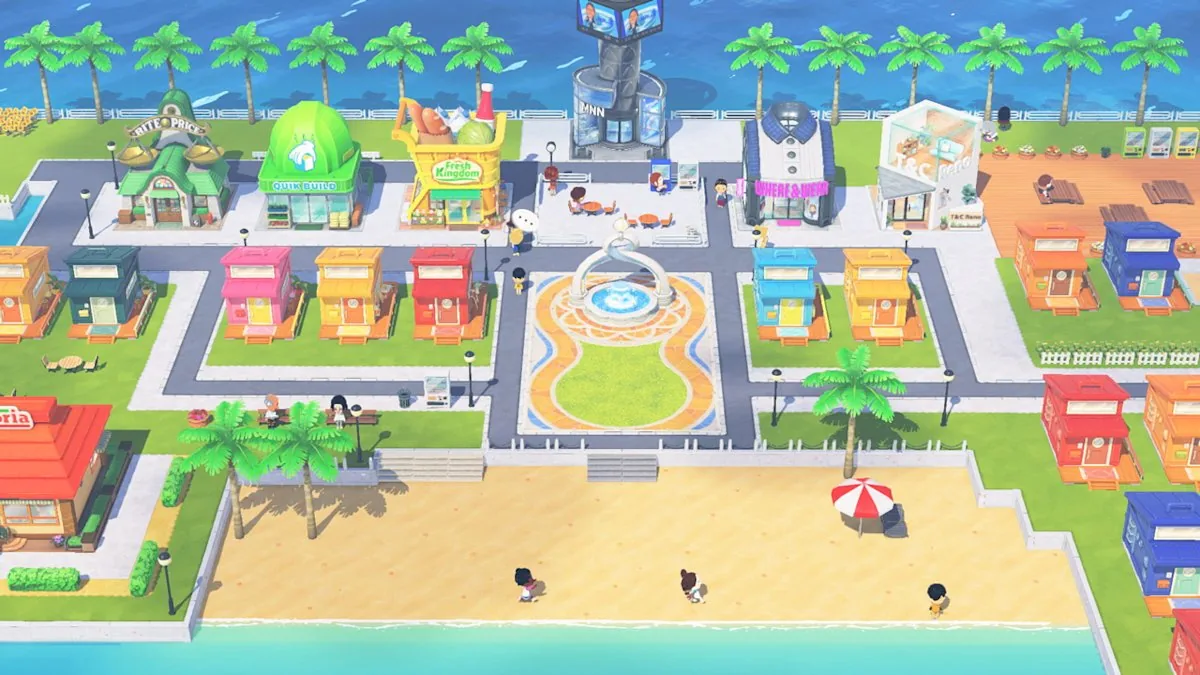
Nintendo states that save data from the Welcome Version can be carried into the full version. For the cleanest transfer, keep the demo save on the same console user, install the full game through the same Nintendo environment, and update both pieces of software before opening the transfer prompt. Do not delete the demo save until the full game has recognized it. Completing the demo also unlocks a hamster outfit reward for use in the full game. This is a progress reward, not proof that every location, resident slot, relationship, or activity is available inside the demo itself.
-
Finish the demo normally
Reach the Welcome Version completion point and keep the resulting save data on the console.
-
Install and update the full game
Use the same user profile when possible and update Living the Dream to its current official version before importing.
-
Accept the in-game transfer
Follow the full game's prompt to carry over eligible progress. If no prompt appears, verify the user account, storage location, region, and software versions before changing saves.
-
Confirm the hamster outfit
After a successful eligible transfer, check the full game for the completion reward described by Nintendo's regional demo pages.
Demo vs Full Game: What Changes?
The Welcome Version exists to demonstrate the game's tone and core Mii interactions, not to replace the paid release. The full game is the correct destination for long-term island development, a larger resident roster, extended relationships, additional locations, and continuing progression. If you only want to test Mii creation and the daily-life loop, start with the demo. If you already know you want the complete island simulation, use the official full-game page and keep the update tracker bookmarked for version changes.
| Feature | Welcome Version | Full game |
|---|---|---|
| Price | Free demo | Paid release |
| Mii creation | Up to three starter Miis described by Nintendo regional information | Expanded island roster and full progression |
| Save transfer | Eligible progress can move forward | Receives supported demo progress |
| Completion reward | Hamster outfit after completing the demo | Reward can be used after eligible transfer |
| Current update track | Welcome Version Ver. 1.0.1 | Living the Dream Ver. 1.0.4 |
| APK/PC installer | Not an official format | Not an official format |
How to Update Welcome Version
Nintendo's demo update support page lists Ver. 1.0.1, released April 30, 2026 in North American support records and dated May 1 on the European page. The update addresses an issue that could prevent save data from transferring correctly to the full game. It does not turn the demo into the full game or add a separate PC, mobile, or browser version. If local dates appear different by one day, use the regional Nintendo support page and version number rather than assuming two different patches exist.
-
Highlight the demo
On the HOME Menu, select Welcome Version without launching it and press the + or - Button.
-
Choose Software Update
Select Software Update, then Via the Internet, and wait for Nintendo's official download to complete.
-
Verify before transferring
Confirm the demo is on Ver. 1.0.1 and the full game is current before attempting the save-data transfer.
PC, Android, APK, ROM, and Demo-File Claims
Search results often attach “PC,” “APK,” “ROM,” “NSP,” “XCI,” “free download,” or “online” to the demo name. Those modifiers do not change Nintendo's official platform listing. An APK is an Android application package, an EXE is a Windows program, and ROM/NSP/XCI terms usually refer to game-image or console-package files. None is the official Welcome Version delivery format described by Nintendo. Do not provide Nintendo, Google, Discord, payment, or survey credentials to unlock a supposed demo. Avoid password-protected archives, browser-notification prompts, emulator bundles that include copyrighted files, and countdown pages that never reach Nintendo. If you are comparing desktop claims, use the site's PC and platform guides for terminology rather than treating an unknown installer as the official demo.
Official-page fallback
When no stable first-party file URL exists, the honest CTA is the Nintendo product page or eShop—not a guessed CDN path or mirror.
No safety guarantee for mirrors
A familiar filename, screenshot, version badge, or antivirus logo does not prove that a third-party archive is official or unchanged.
Separate demo and emulator intent
The Welcome Version is official Switch software. Emulator software and game files are separate topics with different legal, technical, and safety questions.
Related Tomodachi Life Guides
Living the Dream guide
Compare the full game's release, platforms, major features, Mii limits, and official source facts.
Read full-game guideUpdate and patch notes
Track the full game's current version and verified Nintendo patch history separately from the demo.
Check current versionTomodachi Life on PC
Understand Windows, Mac, Linux, Chromebook, emulator, and suspicious installer claims.
Read PC guideOfficial Sources and Verification
Checked July 30, 2026. Demo availability, transfer, reward, and version claims use Nintendo pages; no mirror is treated as an official source.
Nintendo Welcome Version page
Primary source for the official free demo, eligible progress transfer, and product distribution.
Open sourceNintendo demo update support
Primary source for Welcome Version Ver. 1.0.1 and the save-transfer fix.
Open sourceNintendo full-game update support
Primary source separating the full game's Ver. 1.0.4 update track from the demo version.
Open sourceTomodachi Life Demo FAQ
Is there an official Tomodachi Life demo?
Yes. Nintendo offers Tomodachi Life: Living the Dream – Welcome Version as a free Switch demo through Nintendo eShop and official Nintendo product pages.
What can you do in the Tomodachi Life demo?
You can create up to three starter Miis, assign personalities, begin island life, handle introductory interactions, and complete the guided preview. The full game's complete locations, roster, relationships, and progression are not all included.
Does Tomodachi Life demo progress transfer?
Nintendo says eligible Welcome Version save data can transfer into the full game. Keep the save, use the same console user when possible, and update the demo and full game before importing.
What version is the Welcome Version demo?
Nintendo Support lists Welcome Version Ver. 1.0.1. The full game has a separate update history and is on Ver. 1.0.4 as checked July 30, 2026.
Can I download the Tomodachi Life demo on PC or Android?
Nintendo's official Welcome Version is Switch software. The company does not list a native Windows, macOS, Linux, Chromebook, browser, or Android APK edition of the demo.
How long is the Tomodachi Life demo?
Nintendo's checked pages do not promise one fixed play-time figure. Your time depends on Mii creation and exploration, so treat exact-hour claims as unofficial unless a Nintendo page confirms them.
Do I get anything for finishing Welcome Version?
Nintendo regional demo information describes a hamster outfit reward for the full game after completing the demo and carrying eligible progress forward.
Is a demo APK, NSP, XCI, ROM, or ZIP official?
Not based on Nintendo's published distribution flow. Use Nintendo eShop or the official product page, and avoid third-party archives, installers, keys, surveys, or guessed direct-download links.