Mii sharing and QR guide - Verified July 25, 2026, Ver. 1.0.4
Tomodachi Life Mii Sharing: QR Codes, Imports, and Living the Dream Limits
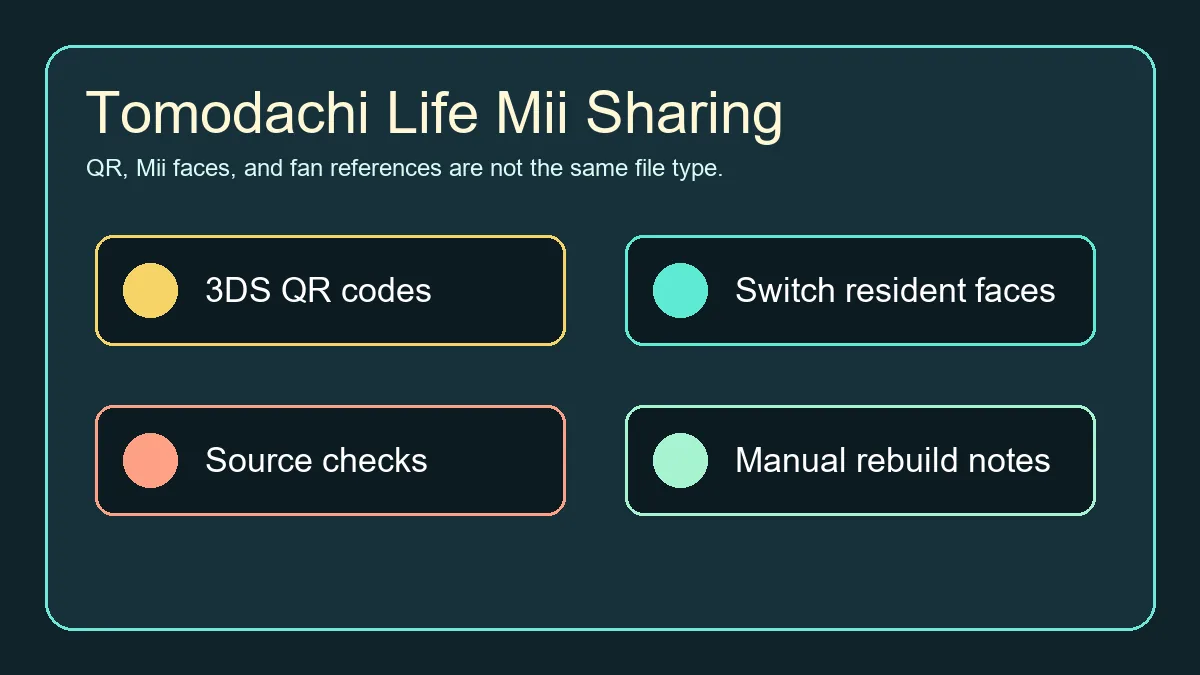
Short answer: original Tomodachi Life on Nintendo 3DS supports Mii QR codes and local exchange, but Living the Dream on Switch works differently. Use this guide to separate 3DS QR codes, Switch Mii faces, fan galleries, manual recreation notes, and risky download claims before you add a character to your island.
Official update verified
Nintendo Support lists Tomodachi Life: Living the Dream Ver. 1.0.4 as the latest software update, released July 22, 2026.
3DS QR codes
Tomodachi Life QR patterns can store island and Mii profile details, but not every piece of relationship or item history.
Living the Dream
Nintendo says new residents can be based on console Miis, while direct imports from other software and transfers out are limited.
Safe fan routine
Record the creator, platform, region, image quality, and manual settings instead of trusting random archives.
Verified Reference Links
Learn how Tomodachi Life Mii sharing works across 3DS QR codes, Living the Dream, manual imports, source checks, and safe fan references.
Tomodachi Life: Living the Dream Ver. 1.0.4
Nintendo Support lists Tomodachi Life: Living the Dream Ver. 1.0.4 as the latest software update, released July 22, 2026.
Open update guideNintendo Living the Dream FAQ
Official support notes for Mii limits, console Mii faces, import boundaries, and screenshot/video sharing restrictions.
Read Nintendo FAQTomodachi Life 3DS Manual
Official manual details QR Code patterns, local Mii exchange, SD card saving, and StreetPass context.
Open 3DS manualTomodachi Life APK Safety
Internal checklist for download-page red flags.
Open safety guideLatest Official Version Check
As of July 25, 2026, Nintendo Support lists Tomodachi Life: Living the Dream Ver. 1.0.4 as the latest software update, released July 22, 2026. Update through the Nintendo Switch or Switch 2 console software-update flow via the internet. This site does not provide APK, ROM, NSP/XCI, emulator game files, torrents, cracks, keys, firmware, BIOS files, or unofficial mirrors.
| Official source | Latest version | Released |
|---|---|---|
| Nintendo Support | Ver. 1.0.4 | July 22, 2026 |
Direct Answer: Which Mii Sharing Method Matches Your Game?
Mii sharing is confusing because search results mix several eras of Tomodachi Life. The Nintendo 3DS game can create and scan QR Code patterns from Town Hall. The Switch title, Tomodachi Life: Living the Dream, lets you create residents from Mii faces registered on the console, but Nintendo support does not describe it as a direct old-QR import system. Treat old QR images as 3DS assets, fan galleries as references, and Living the Dream sharing as a separate question.
| Search phrase | Best match | What to check |
|---|---|---|
| tomodachi life qr codes | Original 3DS QR workflow | Town Hall QR code, region, image clarity |
| tomodachi life mii sharing | Broad sharing intent | Whether the page means 3DS, Switch, local exchange, or manual notes |
| living the dream mii sharing | Switch-era Mii question | Console Mii faces, import limits, and current Nintendo FAQ |
| tomodachi share | Fan discovery or navigational intent | Creator credit, rebuild notes, and no fake download files |
How 3DS Tomodachi Life QR Codes Work
The original 3DS manual says QR Code patterns can be created or scanned in Town Hall and saved to the SD card. It also explains that created patterns include the island name and profile details such as personality, voice, main catchphrase, and current outfit, while relationships and extra item history are not included. That is why a QR code can recreate a usable resident, but it should not be treated as a complete save file.
Living the Dream: What Changed for Switch Players?
Living the Dream has a different sharing boundary. Nintendo Support says players can register up to 70 Miis, create residents based on Mii faces on the Switch or Switch 2 console, cannot directly import Miis from software such as Miitopia, and cannot transfer Miis created in the game out to the console or other software. That makes fan reference pages useful, but it also means a random old QR code image is not automatically a Switch-ready import.
| Question | Practical answer | Why it matters |
|---|---|---|
| Can I scan old 3DS QR codes on Switch? | Do not assume direct support; verify current in-game options first. | Old QR data and Switch resident creation are separate systems. |
| Can I use a fan Mii gallery? | Yes as a visual reference or recipe when the source is clear. | Manual rebuilding avoids fake download files. |
| Can I transfer Miis out of Living the Dream? | Nintendo FAQ says game-created Mii data cannot be transferred out. | Plan your island edits inside the game. |
A Safer Mii Sharing Routine
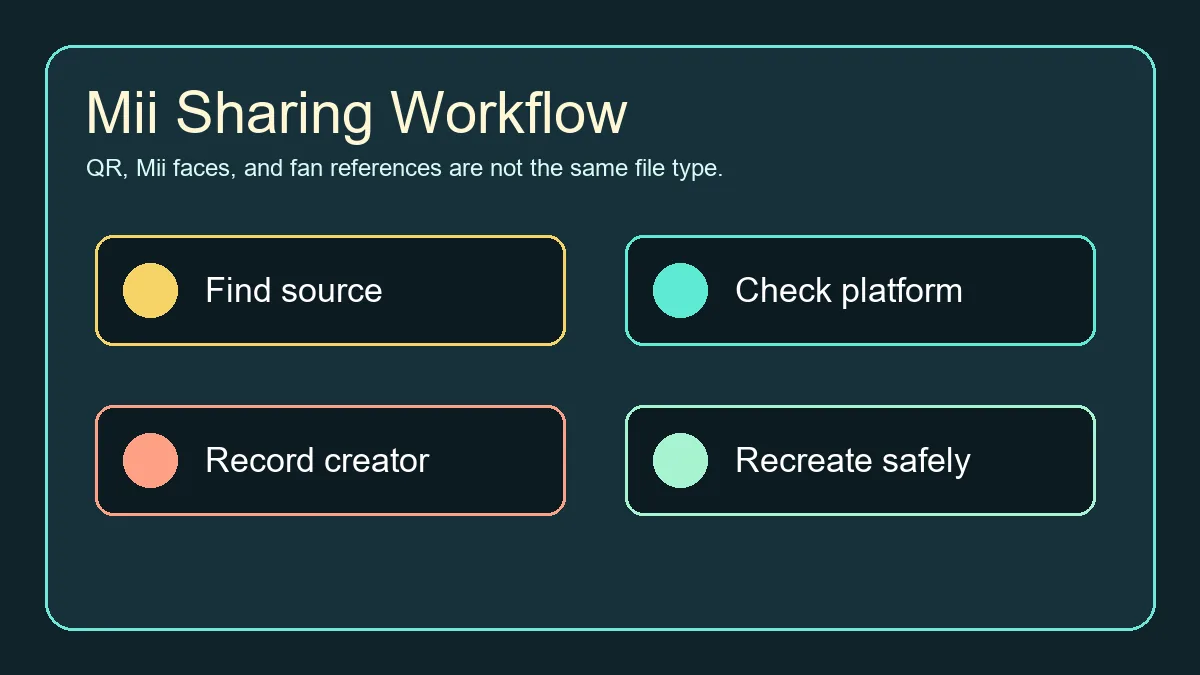
The safest routine is slower than clicking a random QR image, but it keeps your island organized. Save the source URL, creator name, intended game, region, and any slider or personality notes. For 3DS, keep a clean QR image and check whether it was exported from Tomodachi Life rather than only from system Mii Maker. For Switch, treat screenshots, facial-feature recipes, and fan pages as rebuild references, not as executable game files.
Step-by-Step Source Checklist
Short answer: original Tomodachi Life on Nintendo 3DS supports Mii QR codes and local exchange, but Living the Dream on Switch works differently. Use this guide to separate 3DS QR codes, Switch Mii faces, fan galleries, manual recreation notes, and risky download claims before you add a character to your island.
-
Identify the platform
Decide whether the source is for 3DS Tomodachi Life or Living the Dream on Switch.
-
Save source credit
Keep the creator name, page URL, date, and any usage notes.
-
Check file type
QR image, recipe screenshot, save editor, APK, ROM, and installer are different categories.
-
Rebuild carefully
Use the image or recipe as reference and keep personality and voice notes.
-
Avoid bundled files
Do not download archives that claim to include Miis, game files, keys, or installers.
Troubleshooting Imports and Rebuilds
Most failed imports are caused by mismatched expectations rather than one broken code. A 3DS camera may struggle with glare, compression, small images, or a code from a different region. A Switch rebuild may fail to match because the newer editor, hair, face paint, or personality options are not identical. If a site promises a perfect one-click converter, game file, APK, or save editor, use the safety checklist before downloading anything.
| Problem | Likely cause | Fix |
|---|---|---|
| 3DS cannot read the QR image | Screen glare, low resolution, or cropped code | Zoom the image, reduce glare, and use the original file |
| Mii appears without expected behavior | Mii Maker code rather than Tomodachi Life code | Set voice and personality manually |
| Switch recreation looks different | Different editor and unavailable parts | Keep a recipe note and adjust manually |
| Download page asks for an archive | File acquisition intent, not Mii sharing | Avoid bundles and use official or clearly credited sources |
QR Codes, Mii Recipes, and Fan Gallery Boundaries
Mii sharing content should help players recreate characters without pretending every QR image is a universal import. The useful boundary is simple: 3DS QR codes are for the 3DS game, Switch-era Mii faces are references for Living the Dream, and fan galleries are safest when they provide source notes instead of executable files.
| Use case | Best source format | Safe next step |
|---|---|---|
| 3DS import | Clean Tomodachi Life QR image plus creator and island notes. | Scan in Town Hall, then verify personality, voice, and outfit. |
| Living the Dream rebuild | Screenshots, face sliders, creator notes, and console Mii references. | Recreate manually and keep a source note for later edits. |
| Fan gallery browsing | Named character pages with date, region, and game context. | Avoid archives, save editors, and files that promise bulk importing. |
Where This Guide Fits on the Site
This page is not an APK page, a ROM page, or an emulator setup guide. It targets Mii sharing, QR codes, fan references, and Living the Dream import expectations. If the searcher wants Android files, PC installers, emulator software, or APK safety, the related guides below keep those intents separate so the new page does not compete with existing pages.
Related Tomodachi Life Guides
Living the Dream Guide
Official-game platform, release, gameplay, and Mii context.
Open guideQR Codes Guide
Scan 3DS Mii QR codes, check fan sources, and understand Living the Dream limits.
Open QR guideEmulator Guide
Separate emulator software, ROM claims, APK wording, and platform context.
Open guideAPK Safety Checklist
Check risky APK, ROM, archive, and installer claims before downloading.
Open checklistTomodachi Life PC
Separate Mii sharing from PC, laptop, APK, and emulator searches.
Open PC guideCharacters Guide
Plan Mii limits, character roles, and island cast balance.
Open charactersOfficial Sources Used
Learn how Tomodachi Life Mii sharing works across 3DS QR codes, Living the Dream, manual imports, source checks, and safe fan references.
Nintendo Living the Dream FAQ
Official support notes for Mii limits, console Mii faces, import boundaries, and screenshot/video sharing restrictions.
Read Nintendo FAQTomodachi Life 3DS Manual
Official manual details QR Code patterns, local Mii exchange, SD card saving, and StreetPass context.
Open 3DS manualNintendo Game Content Guidelines
Reference for sharing screenshots, videos, and online content from Nintendo games.
Read guidelinesNintendo Support update page
Nintendo Support lists Tomodachi Life: Living the Dream Ver. 1.0.4 as the latest software update, released July 22, 2026.
Open update guideTomodachi Life Mii Sharing FAQ
What is the latest official version of Tomodachi Life: Living the Dream?
Nintendo Support lists Ver. 1.0.4 as the latest software update, released July 22, 2026. Update from the Switch HOME Menu via Software Update > Via the Internet.
Can Living the Dream import old Tomodachi Life QR codes?
Do not assume direct support. Nintendo describes creating residents from console Mii faces, while original 3DS QR codes belong to the older game workflow.
What is the best use of Tomodachi Life QR codes in 2026?
For the original 3DS game, they are still useful when the image is clear, region-appropriate, and created from Tomodachi Life. For Switch, they are usually better as visual references.
Does a QR code include personality and voice?
The 3DS manual says Tomodachi Life QR patterns include profile information such as personality and voice, but not relationships and some item history.
Is Tomodachi Share the same as an official Nintendo service?
No. Treat fan sharing sites as discovery or reference resources, and verify their source notes before using a character.
Can I transfer a Mii made in Living the Dream to other software?
Nintendo Support says Mii data created in Living the Dream cannot be transferred to the console or other software.
Should I download a Mii pack or save editor?
Be cautious. This guide focuses on visible recipes and QR/reference checks, not archives, save files, APKs, ROMs, keys, or installers.
What should I record for a recreated Mii?
Record the creator, platform, face settings, hairstyle, color choices, voice, personality sliders, region, and source URL.
Can I use a 3DS QR code as a Living the Dream import?
Do not assume that. Treat a 3DS QR code as a reference unless Nintendo or the game interface explicitly supports that import path for your version.