QR codes and Mii source guide - Verified July 25, 2026, Ver. 1.0.4
Tomodachi Life QR Codes Guide: Mii Codes, 3DS Scanning, and Switch Limits
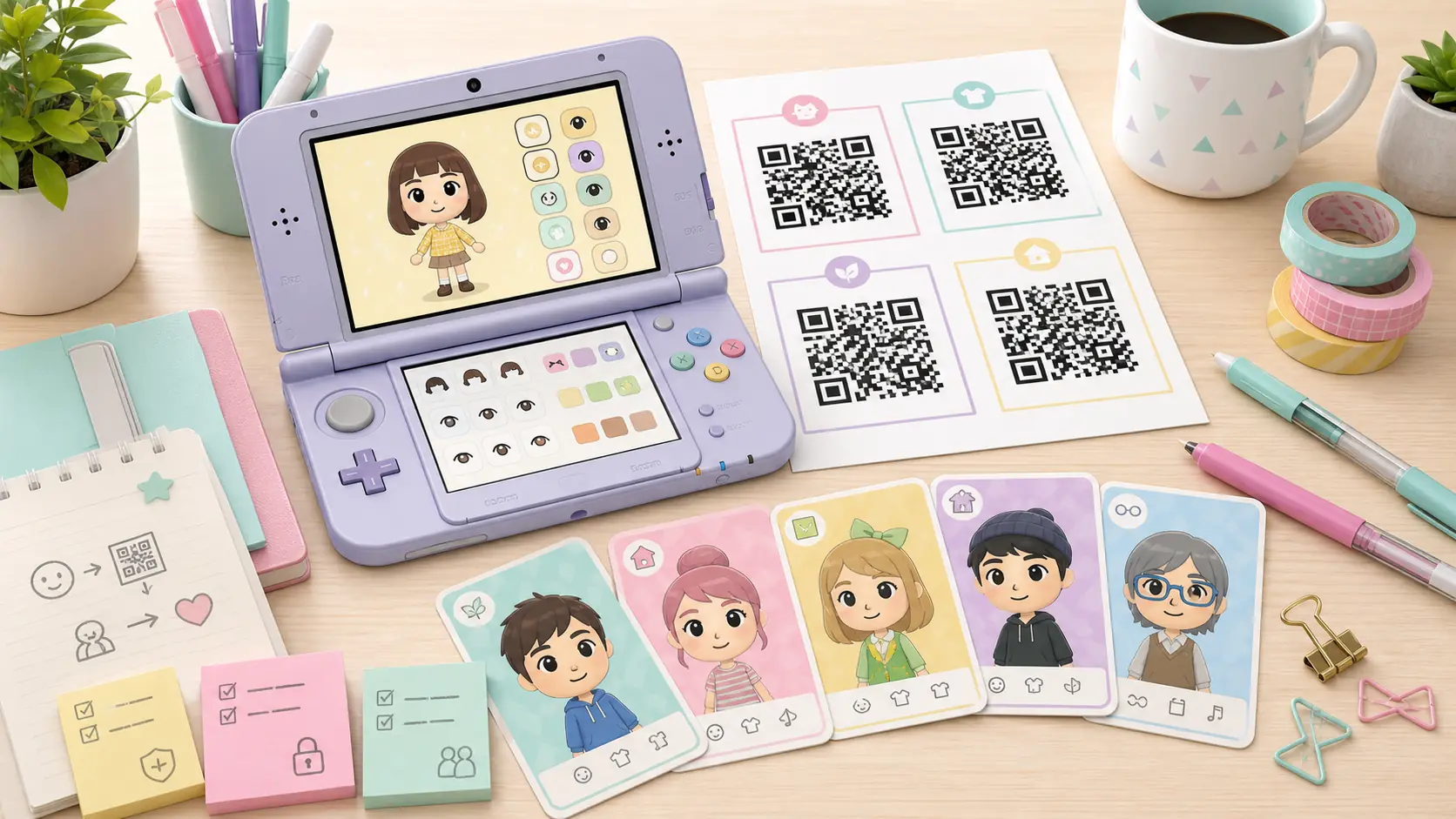
Short answer: Tomodachi Life QR codes are mainly a Nintendo 3DS Mii sharing workflow. They can help you import or recreate residents, but they are not APKs, ROMs, save files, or a guaranteed Living the Dream import path. Use this guide to separate clean QR images, fan galleries, Switch-era Mii rebuilding, and unsafe download claims.
Official update verified
Nintendo Support lists Tomodachi Life: Living the Dream Ver. 1.0.4 as the latest software update, released July 22, 2026.
3DS QR workflow
Use QR codes for the original 3DS game when the image is clear, credited, and meant for Tomodachi Life rather than only system Mii Maker.
Switch boundary
Treat old QR codes as references for Living the Dream unless the current game interface explicitly supports that import path.
No file packs
A Mii recipe should not require APKs, ROMs, keys, save archives, firmware, or unknown installers.
Verified Reference Links
Use official references and visible fan-source notes. A normal QR code guide should not require executable downloads.
Tomodachi Life: Living the Dream Ver. 1.0.4
Nintendo Support lists Tomodachi Life: Living the Dream Ver. 1.0.4 as the latest software update, released July 22, 2026.
Open update guideTomodachi Life 3DS Manual
Check original QR and Mii-sharing context before trusting fan reposts.
Open manualLiving the Dream FAQ
Verify Switch-era Mii source and transfer boundaries.
Read FAQAPK Safety Checklist
Use this if a QR source asks for APKs, ROMs, save files, or installers.
Open checklistLatest Official Version Check
As of July 25, 2026, Nintendo Support lists Tomodachi Life: Living the Dream Ver. 1.0.4 as the latest software update, released July 22, 2026. Update through the Nintendo Switch or Switch 2 console software-update flow via the internet. This site does not provide APK, ROM, NSP/XCI, emulator game files, torrents, cracks, keys, firmware, BIOS files, or unofficial mirrors.
| Official source | Latest version | Released |
|---|---|---|
| Nintendo Support | Ver. 1.0.4 | July 22, 2026 |
Direct Answer: What Are Tomodachi Life QR Codes For?
Tomodachi Life QR codes are visual Mii sharing records for the original Nintendo 3DS era. A useful QR page normally gives you a clear code image, creator credit, intended game or region notes, and sometimes personality or voice hints. That is different from a download mirror. If a page starts offering APKs, ROMs, save packs, keys, firmware, or a one-click importer, it has moved away from QR-code intent and into file-download risk.
| Search phrase | Best fit | Action |
|---|---|---|
| tomodachi life qr codes | 3DS Mii QR scan and fan source intent | Create this page as the main guide |
| tomodachi life mii qr codes | Mii-specific QR code lookup | Use as a core section and internal anchor |
| tomodachi life 3ds qr codes | Original 3DS scanning workflow | Use as a workflow section |
| can you scan mii qr codes on switch new tomodachi life | Switch/Living the Dream boundary question | Use as FAQ, not a separate page |
How to Scan a QR Code in the 3DS Game
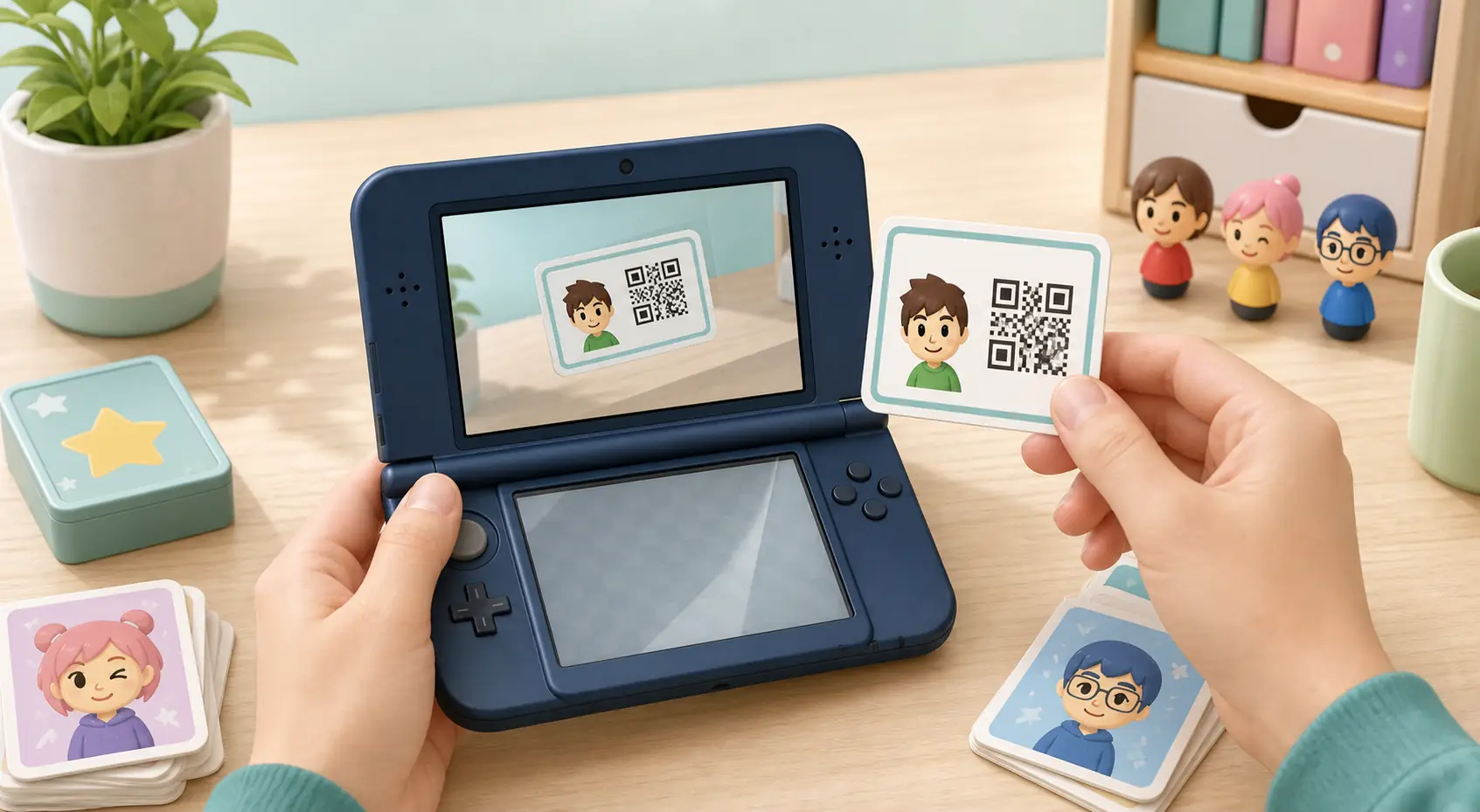
For the 3DS game, the practical routine is simple: open the in-game Mii or Town Hall QR option, hold the camera steady, keep screen glare low, and use the original image if possible. If the scan fails, the issue is often compression, cropping, glare, low resolution, or a QR image made for a different Mii tool. After scanning, review the resident's name, face, voice, personality, catchphrase, and outfit instead of assuming every detail came through perfectly.
| Step | What to check | Why it matters |
|---|---|---|
| 1. Open the in-game QR scan option | Use the Tomodachi Life/3DS QR workflow, not an unrelated download page. | Keeps the task inside the game interface. |
| 2. Use a clean image | Avoid cropped, tiny, watermarked, or recompressed QR images. | Most scan failures are visual quality problems. |
| 3. Verify the resident | Check name, profile, voice, personality, and outfit. | QR data is not a full save file. |
| 4. Save source notes | Record creator, URL, region, and date. | Useful if you rebuild or replace a Mii later. |
Mii QR Codes vs Mii Maker Codes
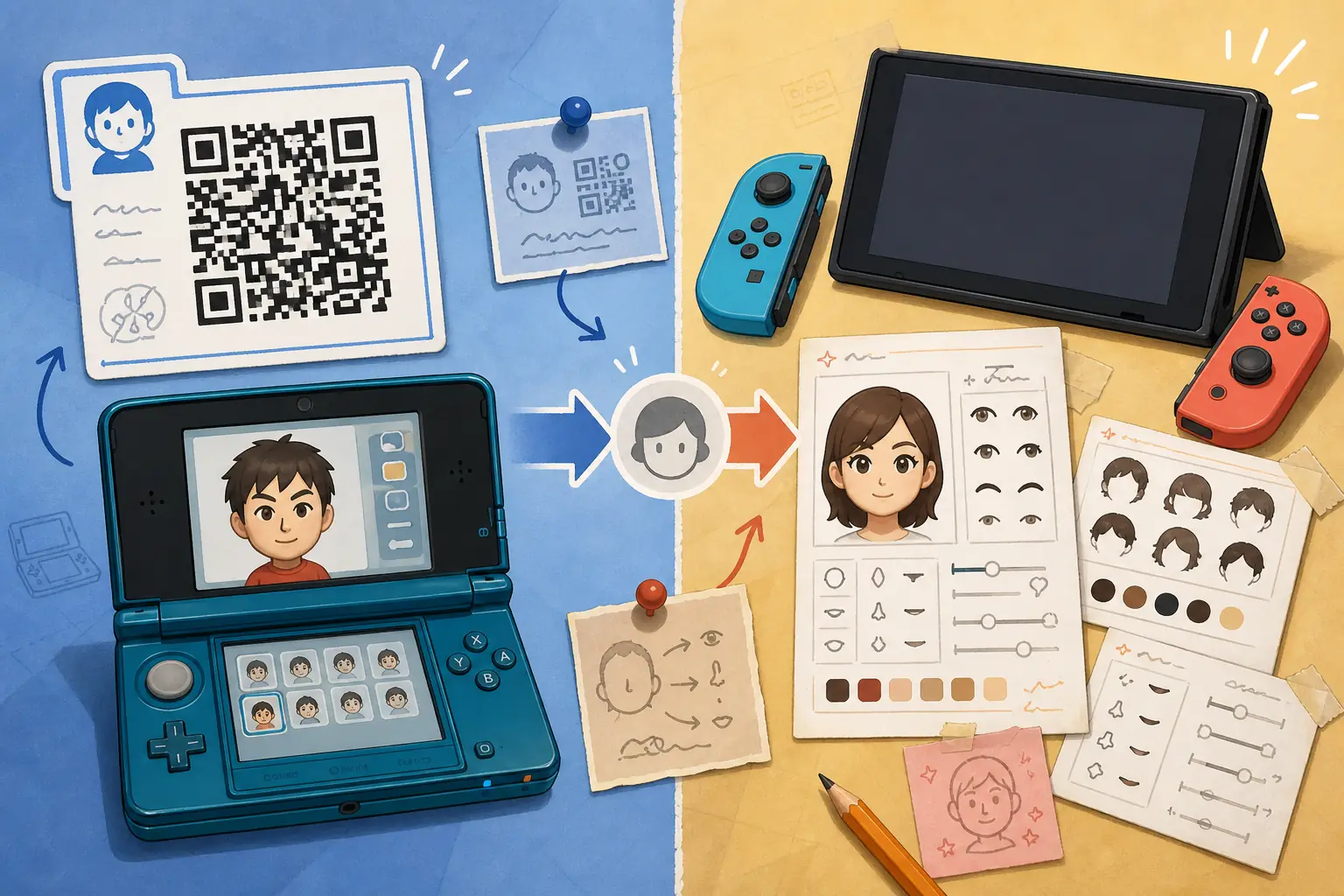
Not every QR image you find online carries the same information. A system Mii Maker QR code may recreate a face, while a Tomodachi Life QR code may include game-specific profile details such as personality, voice, catchphrase, or outfit context. Even then, QR codes should not be treated as complete island data. Relationships, apartment history, items, events, and save-state details belong to the game save, not a normal character QR image.
| Code type | Usually useful for | Limit |
|---|---|---|
| Tomodachi Life QR code | Resident face plus game-specific profile context. | Not a full island or relationship save. |
| Mii Maker QR code | Basic face recreation. | May miss Tomodachi Life voice and personality details. |
| Fan recipe image | Manual rebuilding on 3DS or Switch. | Requires careful source notes. |
| Download archive | Often unrelated to QR-code intent. | Avoid unless you can verify exactly what the file is. |
Living the Dream and Switch: Use QR Codes Carefully
Tomodachi Life: Living the Dream has renewed demand for old Mii QR codes, but Switch-era resident creation is not the same as the 3DS QR workflow. Nintendo support describes residents based on Mii faces registered on the console and sets boundaries around direct importing and transferring Mii data. That makes old QR images useful as visual references, but not proof that a direct Switch import exists. If you are preparing for Living the Dream, save screenshots, face recipes, personality notes, and creator credit so you can rebuild safely.
| Question | Practical answer | Best page role |
|---|---|---|
| Can I scan 3DS QR codes on Switch? | Do not assume direct support; check the current game interface and Nintendo FAQ. | FAQ/supporting section |
| Can I use QR galleries for Living the Dream? | Yes, as visual references or recipe notes. | Supporting section |
| Should I download a converter? | No normal QR lookup requires a converter installer. | Safety warning |
| Where should Switch price questions go? | Use the Living the Dream guide rather than this QR page. | Internal link |
How to Judge a Fan QR Code Source
Good fan QR pages make the code easy to inspect and the creator easy to credit. Look for a clear image, the character name, a game/version note, region or language context, and whether the creator says it came from Tomodachi Life, Mii Maker, or a manual recipe. Be more cautious with pages that hide the QR image behind countdown buttons, redirect chains, download packs, or generic 'full game' language.
| Source signal | Good sign | Risk sign |
|---|---|---|
| Image quality | Large, uncropped, readable QR code. | Tiny repost, heavy compression, or cropped corners. |
| Credit | Creator name and original page. | Anonymous archive or repost farm. |
| Context | 3DS, Mii Maker, or Living the Dream reference is stated. | The page mixes QR codes with APK/ROM buttons. |
| Files | Image only or visible recipe notes. | ZIP, EXE, APK, save editor, keys, or firmware bundle. |
Safe Workflow Before Adding a Mii
A slower workflow protects both your island plan and your device. Save the source page, capture the clean QR image, note whether it was made for 3DS or only as a visual recipe, scan or rebuild inside the game, then check the personality and voice manually. If a fan gallery also links to download mirrors, ignore the file buttons and keep only the visible reference information.
-
Save the source
Record URL, creator name, date, game context, and any region notes.
-
Check the image
Use the cleanest QR image available and avoid edited or cropped reposts.
-
Scan or rebuild
Use the in-game QR scan on 3DS, or rebuild manually if you are preparing a Switch-era resident.
-
Verify the result
Review face, voice, personality, outfit, catchphrase, and source credit.
-
Avoid file bundles
Do not download archives, APKs, ROMs, save files, keys, firmware, or installers for a normal Mii reference.
Troubleshooting QR Code Problems
Most problems have ordinary causes. A 3DS camera may fail because the image is too small, too bright, or partly hidden. A resident may look right but behave differently because the source was a Mii Maker code rather than a Tomodachi Life code. A Switch rebuild may not match because Living the Dream uses its own current Mii and resident systems. Treat troubleshooting as a source and expectation check before blaming the QR code.
| Problem | Likely cause | Fix |
|---|---|---|
| The 3DS cannot scan it | Glare, crop, low resolution, or screen scaling. | Use the original image, brighten evenly, and fill the camera frame. |
| Personality or voice is missing | Basic Mii QR or incomplete source notes. | Set those details manually after import. |
| The Switch version cannot import it | 3DS QR workflow and Switch resident creation differ. | Use the QR as a recipe reference. |
| The page asks for a file | Download intent has replaced QR intent. | Leave the file and use visible image/source notes only. |
Where This QR Guide Fits on the Site
This page owns QR-code lookup, 3DS scanning, source quality, and Switch import-boundary questions. It should not compete with the Mii sharing guide, which explains broad sharing and import concepts, or the personalities guide, which handles behavior and compatibility planning. APK, ROM, emulator, PC, price, and platform questions stay on their dedicated pages so each search intent has a clear target.
Related Tomodachi Life Guides
Mii Sharing Guide
Broad Mii sharing, manual recreation, import limits, and fan-source boundaries.
Open Mii guideCharacters Guide
Plan Mii limits, resident roles, character ideas, and cast balance.
Open charactersPersonalities Guide
Use behavior charts and compatibility notes after you choose a Mii source.
Open personalitiesLiving the Dream Guide
Use this for Switch, Switch 2, price, release, and official platform questions.
Open Switch guideAPK Safety Checklist
Use this if a QR page turns into APK, ROM, archive, or installer claims.
Open checklistOfficial Sources Checked
Official references support the 3DS QR context, Switch-era Mii boundaries, and media-sharing safety notes. This page does not host game files.
Tomodachi Life 3DS Manual
Official manual context for QR Code patterns, Mii creation, local exchange, StreetPass, and SD card QR saving.
Open 3DS manualNintendo Living the Dream FAQ
Official support notes for Mii limits, console Mii faces, import boundaries, media sharing, and transfer limits.
Read Nintendo FAQNintendo Game Content Guidelines
Reference for sharing Nintendo game images and videos online.
Read guidelinesNintendo Support update page
Nintendo Support lists Tomodachi Life: Living the Dream Ver. 1.0.4 as the latest software update, released July 22, 2026.
Open update guideTomodachi Life QR Codes FAQ
What is the latest official version of Tomodachi Life: Living the Dream?
Nintendo Support lists Ver. 1.0.4 as the latest software update, released July 22, 2026. Update from the Switch HOME Menu via Software Update > Via the Internet.
Can I use Tomodachi Life QR codes in 2026?
Yes for the original 3DS workflow when you have a clean source image. For Living the Dream, treat old QR codes as references unless current official information confirms a direct import path.
Are Tomodachi Life QR codes the same as APK downloads?
No. A QR image is visual Mii data or a reference. It is not an APK, ROM, save file, key, firmware, BIOS file, or installer.
Why will my 3DS not scan a QR code?
Common causes include glare, low resolution, cropped corners, compressed reposts, and codes made for another Mii tool.
Do QR codes include personality and voice?
Tomodachi Life QR codes can include game-specific profile details, but a basic Mii Maker code may not. Always verify voice and personality after import.
Can I scan old 3DS QR codes in Living the Dream?
Do not assume direct support. Use old QR images as rebuild references unless the current Switch game interface and Nintendo support clearly say otherwise.
Is a Mii QR code pack safe to download?
Be cautious. Visible QR images and recipe notes are usually enough; ZIP, EXE, APK, save-editor, key, firmware, or ROM bundles do not belong to normal QR-code use.
What should I save with a QR code?
Save the creator name, source URL, date, intended game, region, clean image, and any voice or personality notes.