Nearby Local Play explained
Is Tomodachi Life: Living the Dream Multiplayer?
The useful short answer is: it is not a shared online island game. Nintendo's current Local Play instructions describe a nearby wireless session for sharing Miis and creations. That lets two players exchange things they made, but it is different from visiting a friend's island, controlling the same island together, or playing the life simulation as online co-op.
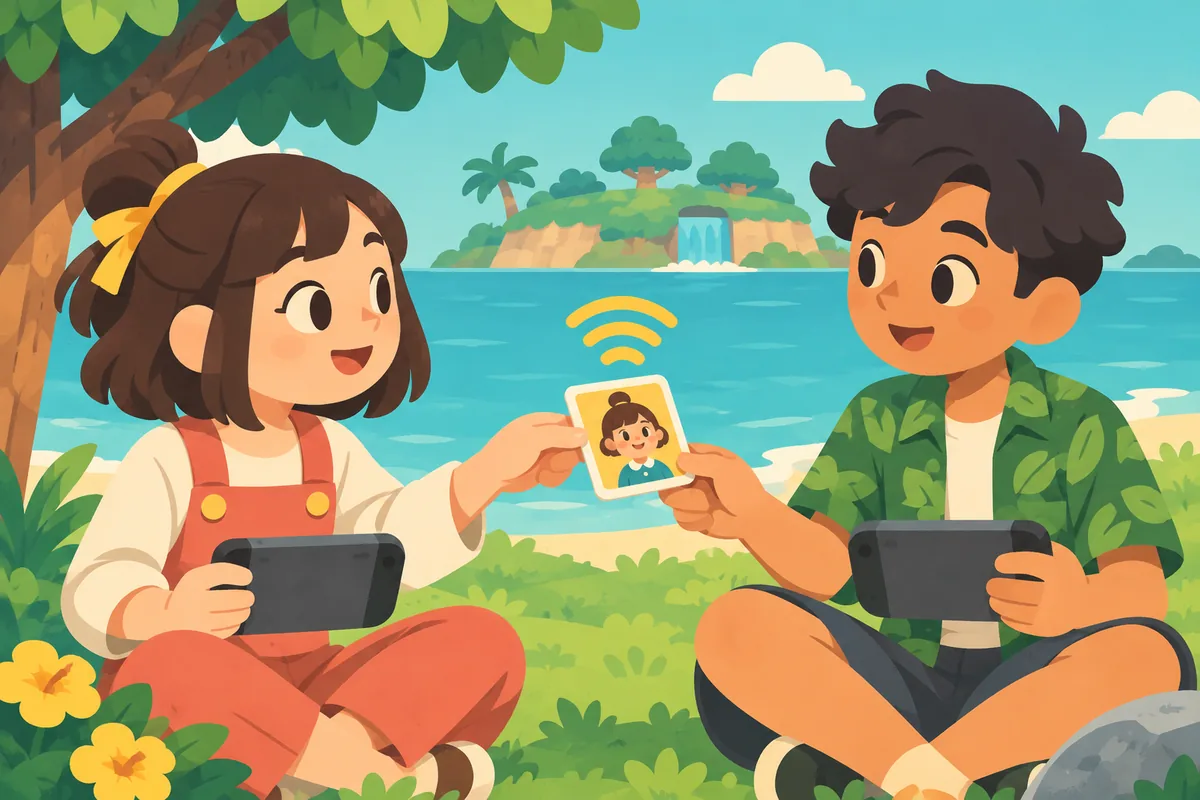
Island life is solo
Plan on managing your own island. The official help page does not describe an online island visit or a shared co-op session.
Local sharing exists
Nearby players can use Local Play to send and receive Miis or creations using local wireless communication.
Progress unlocks it
The first two Miis must become friends before Local Play appears; exchanging creations also requires a Palette House on both islands.
Quick answer: Tomodachi Life: Living the Dream multiplayer
If multiplayer means sharing one island online, visiting a friend's island, or playing the same story together, Nintendo's current feature guide does not document those modes. Treat Living the Dream as a solo island simulation with limited nearby Local Play. Nintendo describes a wireless transfer session for eligible Miis and Creations, not another player joining your daily island routine. Search results may call this local multiplayer, but the distinction is simple: players exchange eligible content while managing separate islands.
What Local Play actually shares
Nintendo's support guide names two shareable categories: a Mii or a Creation. The original remains on the sender's island after it is shared. The recipient chooses whether to receive the item, and a received Mii needs a house after the players leave Local Play. A Creation is not a way to trade every object or copy an island. Nintendo also limits sharing by ownership: you can send something you made on your own island, but you cannot pass along something received from somebody else. Editing a received creation, or using it as the basis for another one, does not change that restriction.
| Local Play action | What it means | What it does not mean |
|---|---|---|
| Send a Mii | Share an eligible resident you created. | It does not move or delete your original Mii. |
| Send a Creation | Share an eligible creation from your own island. | It is not a full island backup or item-trading marketplace. |
| Receive | Accept a Mii or creation from the nearby player. | Receiving does not grant permission to forward that content later. |
Requirements before you connect
Nintendo says players need the same software version, and Local Play appears after the first two island Miis become friends. Sending or receiving Creations has another gate: both islands need a Palette House. That is why the menu and every sharing option may not appear at the same point in a new save.
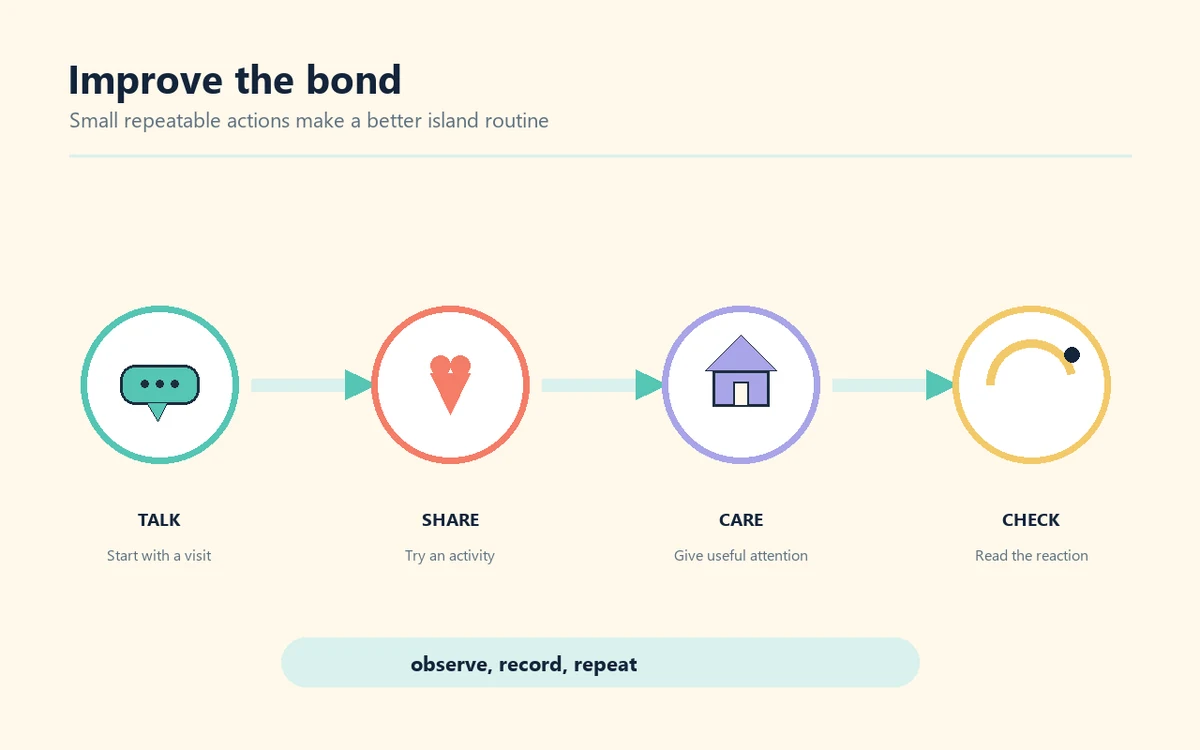
Match versions
Before starting, confirm that each player has the same game software version. Update first if the version numbers differ.
Make two friends
The first two island Miis must become friends. If Local Play is missing, progress through the early island routine and check again.
Build both workshops
To exchange Creations, both players need to progress far enough to build a Palette House on their own island.
How to start a nearby Local Play session
Use Nintendo's menu sequence rather than looking for a room browser on the home screen. Keep both players near one another, open the game, and follow the prompts on each console. The exact English button labels below match the support instructions; menu wording can differ by language setting.
-
Open the game
Start Tomodachi Life: Living the Dream and press A at the title screen.
-
Open the menu
Press X to open the in-game menu, then choose Local Play.
-
Review first-use guidance
If this is your first Local Play session, read the Nintendo Community Guidelines prompt and select OK.
-
Save before connecting
When prompted, select Save and then OK. Do not close the game while the connection is being prepared.
-
Let the players find each other
One player chooses Look for another player. The other player selects the person they want to connect with.
-
Choose what to send
After the connection is ready, choose Mii or Creation, select eligible content, and confirm Send.
-
Receive and finish
The other player chooses Receive and confirms. After leaving Local Play, build a house for any Mii you received.
What friends cannot do together
The most important limit is that sharing is not the same as co-op. The official support procedure is built around one player sending a Mii or Creation and another receiving it. It does not provide steps for walking around a friend's island, changing their buildings, taking over their residents, or keeping both players in one live session. Independent guides reviewed for this topic also describe the game as a solo experience with nearby sharing, rather than online island visits. Because feature details can change, check Nintendo's current help page before relying on a new rumor or update claim. Until Nintendo documents a different mode, do not buy the game expecting remote island tours or an online shared save.
| Expectation | What the documented feature supports |
|---|---|
| Play the island story together online | Not described in the official Local Play instructions reviewed for this guide. |
| Visit and edit a friend's island | The official procedure describes sharing Miis or Creations, not island visits or building edits. |
| Exchange eligible creations nearby | Yes, through Local Play after the required progress on both islands. |
| Forward something you received | No. Nintendo says received content cannot be shared onward, even after edits or reuse as a base. |
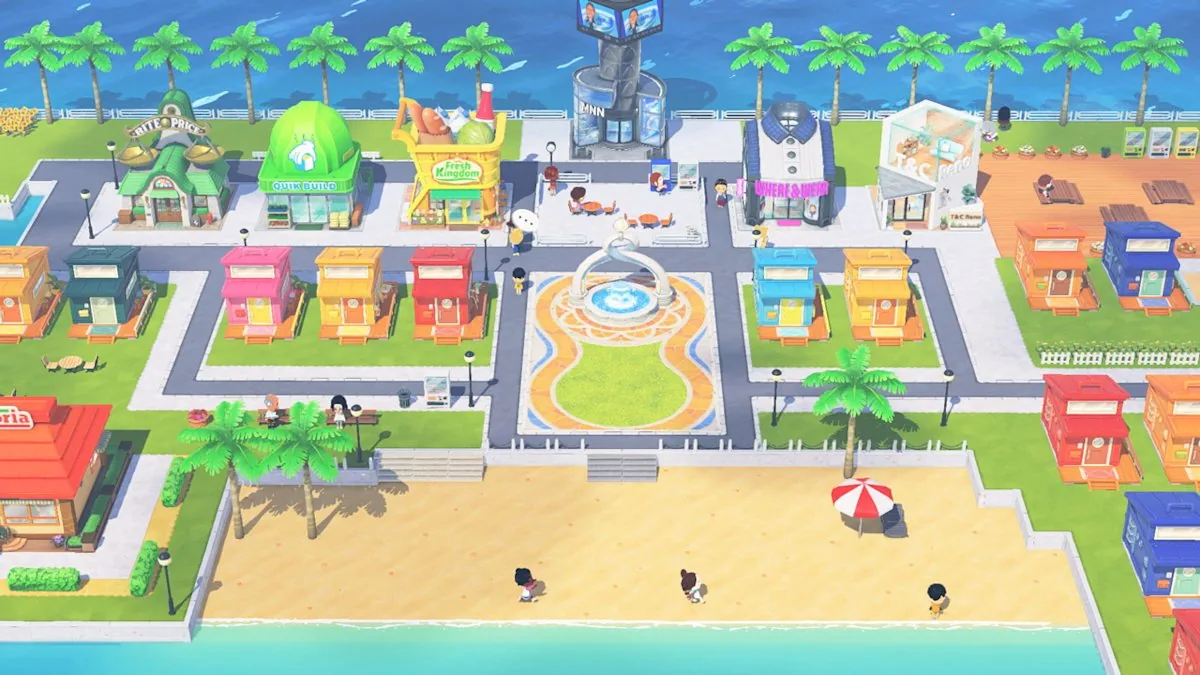
Living the Dream sharing is different from 3DS QR codes
Search results can mix the original Nintendo 3DS game with the newer release. QR codes belong to the older workflow; Nintendo's Living the Dream instructions describe nearby wireless sharing. Do not assume an old QR image or Mii recipe imports into the newer game. Our Mii-sharing guide covers the 3DS details. To show a character, a screenshot or written recreation notes may be more practical than expecting online island visits.
Original 3DS game
QR codes are part of the older game's sharing history. Use the QR guide for that workflow and its limits.
Living the Dream
The verified support process uses nearby Local Play to send eligible Miis or Creations.
Fan references
Treat a gallery or recipe as a reference unless the game offers a supported import route. Do not download unknown save files.
Troubleshoot a missing Local Play option
Check the progression gates first, then verify the connection setup. A missing option does not by itself mean your console or save is broken. Nintendo's current help page points to friendship progress, the Palette House requirement for Creations, and matching software versions. Use the checks below in order so you do not repeat a session that cannot work yet.
-
The menu option is absent
Check whether the first two Miis have become friends. Continue normal island play until they have, then reopen the X menu.
-
Miis work but Creations do not
Confirm that each island has its own Palette House. This requirement applies to sending and receiving Creations.
-
The other player is not listed
Put the consoles near each other, confirm local wireless is available, and check that both game versions match.
-
The recipient cannot resend it
That is an ownership rule, not a connection error. Received content cannot be forwarded, even when edited.
Related Tomodachi Life guides
Living the Dream guide
Check the game's official platform and broad feature guide.
Open game guideMii sharing and QR codes
Compare the original 3DS QR workflow with newer Mii-sharing boundaries.
Read the sharing guideCharacter planning
Plan a cast of residents and check the game's character limits.
Plan your castOfficial Local Play instructions
Use Nintendo Support as the source for current Local Play steps and ownership limits.
Nintendo Support: Start Local Play
Official steps for connecting nearby players and sharing Miis or Creations in Living the Dream.
Open Nintendo SupportTomodachi Life: Living the Dream multiplayer FAQ
Is Tomodachi Life: Living the Dream multiplayer?
It is best understood as a solo island simulation with limited nearby Local Play. Nintendo's support page documents sharing Miis and Creations, not a shared online island or co-op story session.
Can you play Tomodachi Life: Living the Dream online with a friend?
The official Local Play instructions reviewed here describe nearby wireless sharing. They do not document remote island visits or an online co-op mode, so do not plan a session around those features.
What does Local Play let you do?
Nearby players can send and receive eligible Miis or Creations. The original stays on the sender's island, and the receiver chooses whether to accept the content.
What do I need before Local Play appears?
Nintendo says the first two Miis must become friends. Both players also need the same software version; a Palette House on each island is required to exchange Creations.
Can I share something I received from another player?
No. Nintendo says received content cannot be shared onward, even if you edited it or used it as a base for another Mii or Creation.
Can friends visit my island?
Nintendo's Local Play guide describes content exchange, not island visits. Treat a screenshot or video as a way to show your island unless Nintendo documents an official visit feature.
Are 3DS QR codes the same as Living the Dream Local Play?
No. QR codes belong to the older game's workflow. Living the Dream's documented sharing route uses nearby Local Play; see the Mii-sharing guide for the 3DS details.
Why can I not send a Creation?
Check that both islands have a Palette House, that the content was created on your own island, and that the other player is using the same software version.