Save-data troubleshooting guide - Verified August 19, 2026
Tomodachi Life Emulator Save Data Corrupted? Backup & Recovery Guide
If Tomodachi Life save data suddenly stops opening in an emulator, stop launching the game and protect the original file first. This guide separates Nintendo's official Ver. 1.0.4 Island Builder fix from emulator-specific problems, then gives you a cautious backup and transfer workflow without offering ROMs, APKs, save editors, or mystery repair files.
Short answer
A corrupted emulator save can come from a mismatched update, interrupted write, save-state conflict, changed file path, or an emulator build change. The error alone does not prove that the game file is bad.
Official fix boundary
Nintendo's Ver. 1.0.4 update for Living the Dream addressed a rare Island Builder save-corruption problem on the official Switch release. That console fix should not be presented as a guaranteed emulator-save repair.
Do not overwrite the original
Keep the first copy untouched, make a second working copy, and test one change at a time. Do not download an unknown save editor, APK, ROM, patch, or all-in-one emulator bundle.
What “Tomodachi Life save data corrupted” usually means
The phrase can describe several different failures: the emulator cannot see the save, the game sees it but refuses to load it, a save state opens while the in-game save is old, or the file was changed during an interrupted write. Start by recording the exact message, the emulator name, the game platform, and whether a normal in-game save or a save state failed. This keeps a real troubleshooting question separate from a download page.
| Observed symptom | Likely boundary | First safe move |
|---|---|---|
| The save disappeared | Wrong profile, path, or emulator instance | Close the game and locate the original folder before changing settings. |
| The game says the data is damaged | Interrupted write, incompatible update, or damaged copy | Duplicate the folder and preserve the untouched copy. |
| A save state loads the wrong day | Save state and in-game save are different snapshots | Test the normal in-game save separately. |
| Only one build fails | Build, update, permissions, or path mismatch | Compare the build and update details without deleting the old copy. |
Official Switch fix versus an emulator save problem
Nintendo Support lists Ver. 1.0.4 for Tomodachi Life: Living the Dream, released July 22, 2026. The update notes include a rare Island Builder issue where save data could become corrupted and prevent the game from starting. Update the official Switch software through the console's normal internet update flow. If the failure happens inside an emulator, treat the console update as useful context, not proof that copying a patch or save file from a third-party page will repair it.
| Situation | What the official source can confirm | What it cannot confirm |
|---|---|---|
| Nintendo Switch Living the Dream | Ver. 1.0.4 and the published Island Builder fix | That every old save can be recovered automatically |
| 3DS emulator or Citra/Azahar-style search | The platform and project boundary | A universal repair tool or safe bundled game file |
| Switch emulator save | That the official title has its own update history | That a console patch will work unchanged in an emulator |
| A mirror offering a repair download | Nothing, unless the owner and file are independently verified | That the archive is official, clean, or compatible |
Backup checklist before you open the game again
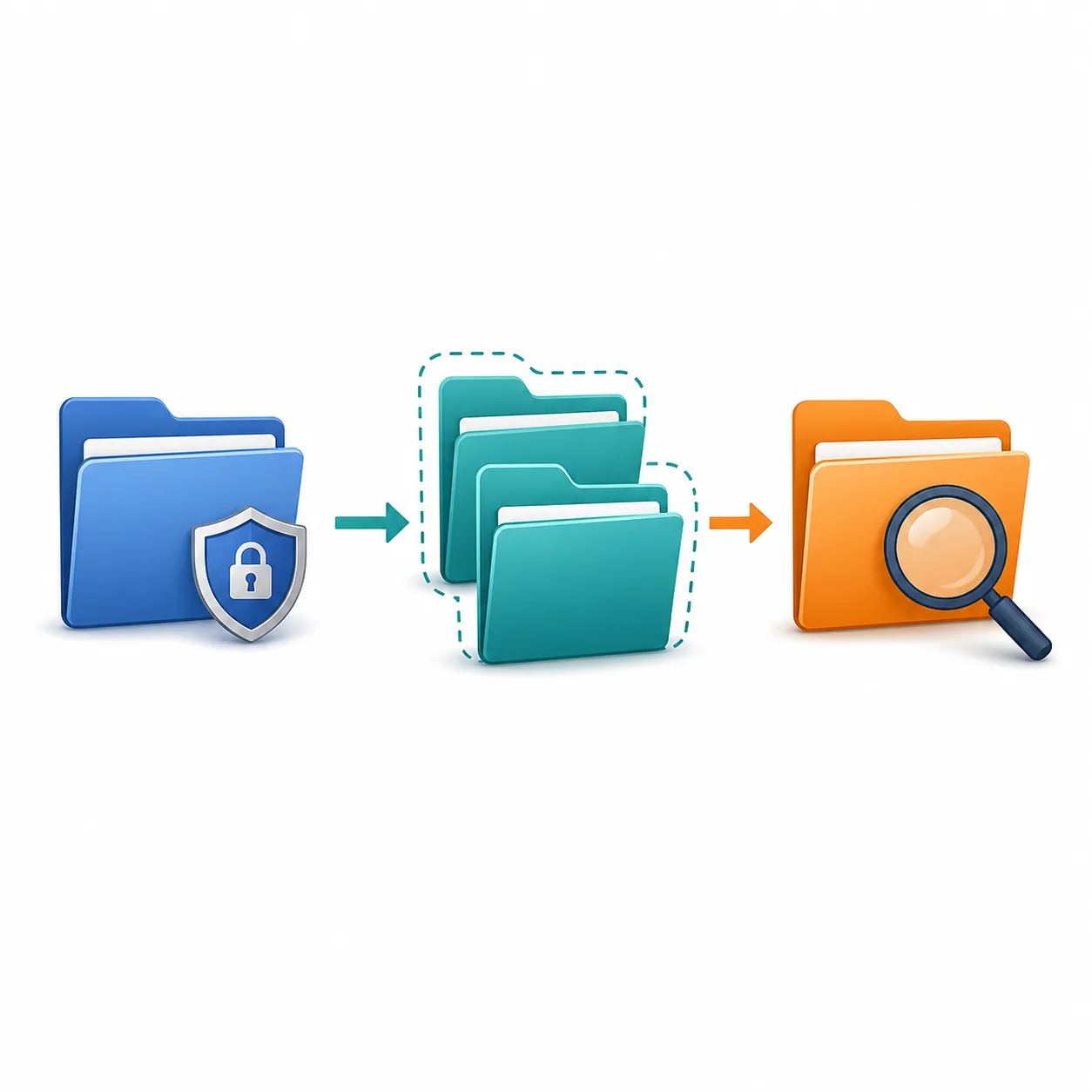
When a save looks damaged, the most important action is to reduce writes. Do not keep retrying the same file while changing settings. Make a read-only reference copy, a separate working copy, and a short note of the emulator version, game update, path, and last successful save. If cloud sync or antivirus software is involved, pause changes until you know which copy is authoritative.
-
Stop repeated launches
Close the game and emulator cleanly. Repeated failed writes can replace the only usable copy.
-
Copy the whole save directory
Preserve the folder structure and nearby metadata instead of copying one file whose role you have not verified.
-
Label the copies
Use simple dates or build notes so you can tell the original, test copy, and recovered copy apart.
-
Test only the duplicate
Make one change at a time: path, build, update, or permission. Do not change all four at once.
Common reasons an emulator save breaks
A useful diagnosis looks for a change immediately before the failure. The following causes are more actionable than guessing that the entire game is unusable.
Mismatched game and update
A save created with one title, region, update, or platform context may not be readable by a different setup. Record the exact combination before migrating anything.
Interrupted write
A crash, forced shutdown, storage error, or sync conflict during saving can leave a partial or inconsistent copy. Start from the last untouched backup.
Save state confusion
A save state is not the same thing as the game's normal save data. Loading an old state can make a good in-game save look lost or out of date.
Changed path or permissions
Moving the emulator, switching users, using a protected folder, or enabling sync can make the emulator read a different directory.
Build change
A new emulator build may change compatibility or configuration. Keep the earlier build and its backup available while testing.
Unknown repair tool
A save editor, patch, APK, ROM, or archive from an unverified page can overwrite data or add malware. It is not a neutral troubleshooting step.
How to copy a save safely between emulator setups
If your goal is migration rather than recovery, use a reversible process. The exact menu names and file locations depend on the emulator and platform, so this guide stays at the safety level instead of inventing a universal path.
-
Finish one normal in-game save
Do not migrate from a live save state or while the game is still writing. Exit normally and wait for storage activity to stop.
-
Make two independent copies
Keep one archive outside the active emulator folder and one duplicate for testing. Never make the destination the only copy.
-
Match the title context
Check whether the source is the original 3DS game or Living the Dream on Switch. Do not mix platform-specific saves because the names look similar.
-
Use the destination's documented save location
Follow the emulator project's own documentation for its profile directory. Avoid random search-result folders and bundled installers.
-
Launch with the duplicate and verify
If the test fails, close it and return to the untouched copy. A failed experiment is useful only when it does not destroy the source.
If the save is already corrupted
There is no honest universal recovery promise. First determine whether the original copy still opens in the same setup, whether the issue affects a save state only, and whether the official game has a current update. If every copy fails, keep the files for diagnosis and use the relevant official support or emulator-project channel. Do not upload a private save to an unknown repair site.
| Check | Why it matters | Safe limit |
|---|---|---|
| Original untouched copy | Shows whether the test changed the data | Never replace it with a failed result. |
| Normal save versus save state | Separates game data from an emulator snapshot | Do not assume one can repair the other. |
| Official Ver. 1.0.4 path | Relevant to the Switch release's published fix | Do not apply a console patch as an emulator file. |
| Build and log details | Helps a project maintainer reproduce the issue | Remove personal information before sharing. |
| Third-party recovery offer | Often changes the risk from data loss to malware or account theft | Do not install or pay before independent verification. |
What this guide does not provide
This page is an information-first troubleshooting guide. It does not host Tomodachi Life ROMs, APKs, NSP/XCI files, keys, firmware, BIOS files, save editors, cracked installers, torrents, or a direct save-repair archive. A related keyword is not evidence that a download is official or safe.
No universal repair file
A save format depends on the game, platform, update, profile, and emulator. One random file cannot safely cover every setup.
No guaranteed data recovery
If every independent copy is damaged, recovery may not be possible. A careful guide should say that clearly.
No bundled game download
Use official stores, support pages, and transparent project sources for software. Keep game files and personal saves under your own control.
Related Tomodachi Life Guides
Tomodachi Life Emulator Guide
Use the broad page for Citra, Azahar, PC, Switch, Android, ROM, and emulator terminology before narrowing to a save problem.
Open emulator guideTomodachi Life Update Notes
Check the current official version, release date, published fixes, and console update path for Living the Dream.
Read update notesCitra Tomodachi Life Guide
Use this narrower guide when the question is about the 3DS emulator context rather than save recovery itself.
Open Citra guideWhere to Play Tomodachi Life
Separate original 3DS, Living the Dream, online, PC, Android, and emulator playability claims.
Compare platformsOfficial Sources and Verification
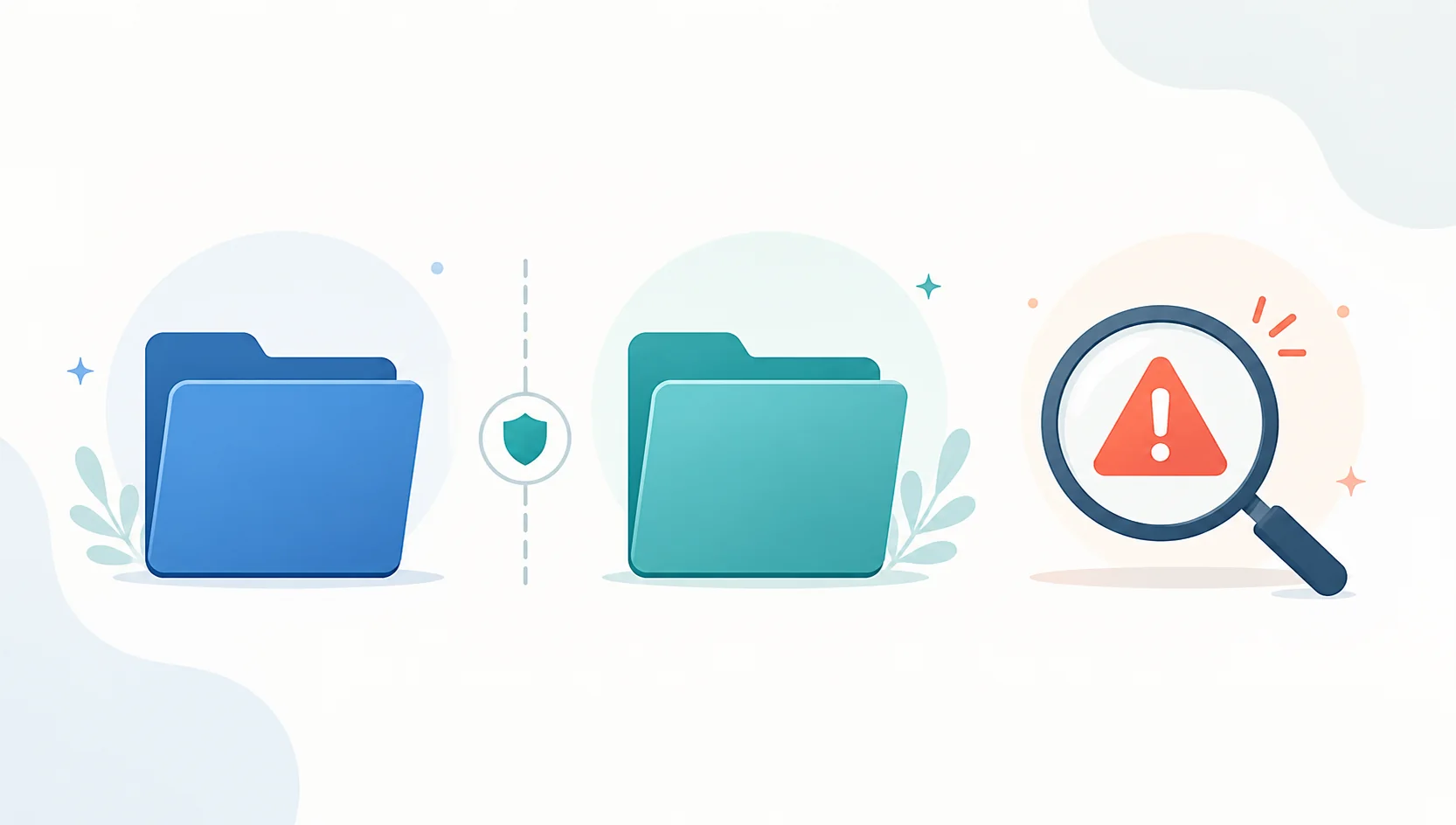
Version and platform claims should be checked against the official Nintendo pages. The conceptual diagrams on this page are editorial illustrations, not official interfaces.
Nintendo Support: Ver. 1.0.4 update
Primary source for the July 22, 2026 update and the published Island Builder save-corruption fix.
Open Nintendo SupportNintendo product page
Primary source for the official Tomodachi Life: Living the Dream product and Switch-family context.
Open product pageTomodachi Life Emulator Save FAQ
Why did my Tomodachi Life save data corrupt in an emulator?
The common boundaries are an interrupted write, a mismatched title or update, a changed save path, a permission or sync conflict, a save-state mix-up, or an emulator-build change. The safest first response is to stop launching, duplicate the whole save directory, and test only the duplicate.
Does Tomodachi Life Ver. 1.0.4 automatically fix an emulator save?
No. Nintendo's Ver. 1.0.4 notes describe a fix for a rare Island Builder save-corruption issue in the official Living the Dream release. An emulator may use a different platform, update, profile, and save path, so do not copy a console patch into it or promise automatic recovery.
How do I copy a Tomodachi Life save in an emulator?
Finish a normal in-game save, exit cleanly, copy the entire documented save directory twice, keep one copy outside the active emulator folder, and test the other copy. Match the original platform and update context, then follow the emulator project's own documentation for the destination path.
Can I get unsaved Tomodachi Life data back?
Only if a usable backup, normal in-game save, or separate save state still contains it. If the data was never written or every independent copy is damaged, recovery may not be possible. Do not treat a random save file or editor as a guaranteed solution.
Should I use a save state or the normal in-game save?
Use the normal in-game save as the primary reference. Save states are emulator snapshots and can be older, inconsistent, or tied to a different build. Keep them separate while diagnosing the real save data.
Can I download a Tomodachi Life save-repair file?
There is no universal verified repair file for every platform and emulator. Avoid pages that bundle a save editor, APK, ROM, patch, keys, or an installer behind surveys, passwords, notifications, or payment prompts.