Food guide · version context checked August 11, 2026
Tomodachi Life Food Guide: List, Reactions & How to Buy
The useful answer to a Tomodachi Life food search is not one magic meal. Food is a repeatable way to care for Miis, test reactions, and learn what fits each resident. Start with the food shop and the categories available in your version, then watch the reaction instead of assuming that an item is universally loved. This guide covers the original 3DS context and Tomodachi Life: Living the Dream, explains how to buy food, and separates a practical food list from unverified APK, ROM, or downloadable-file claims.
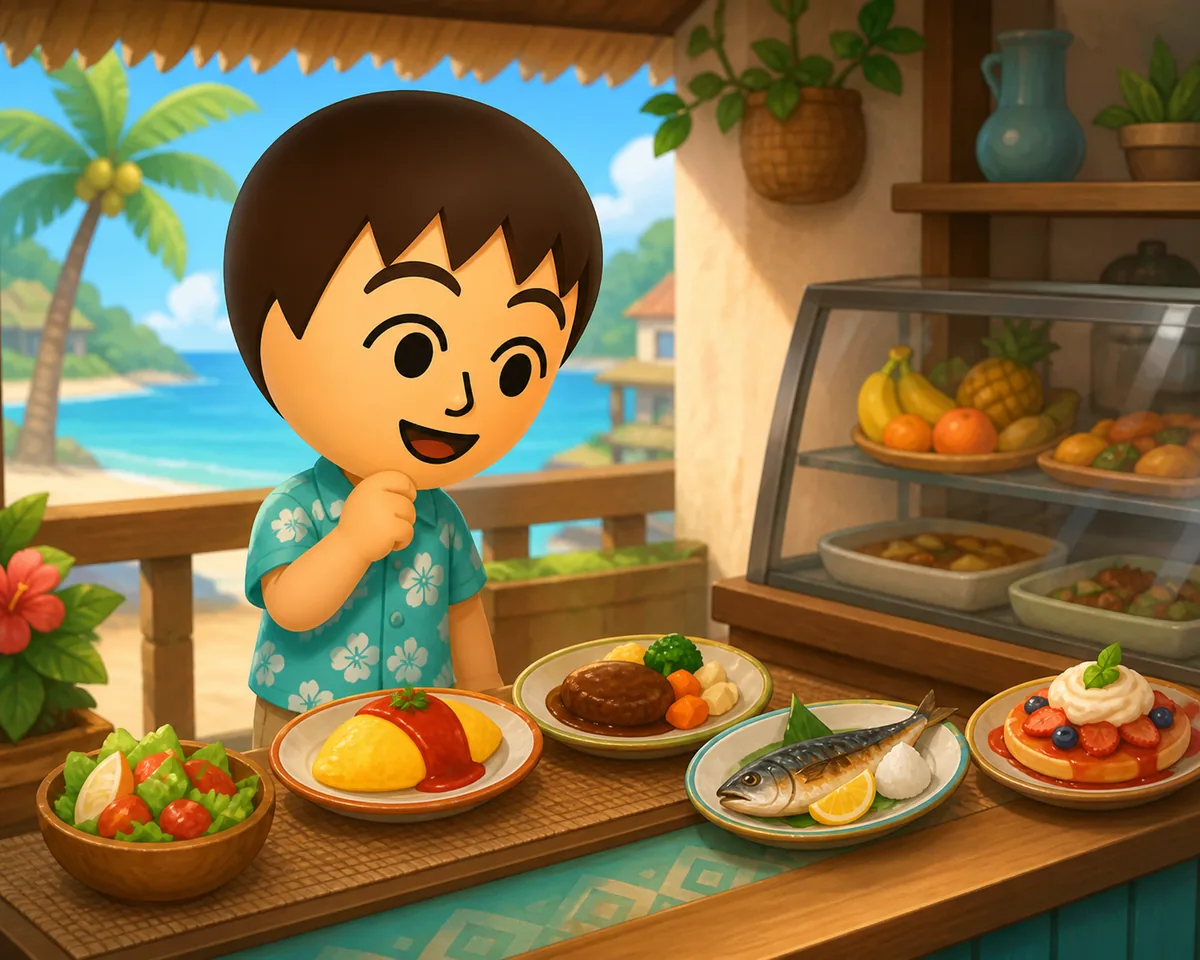
Buy, then observe
Use the food shop available in your game and pay attention to the Mii's reaction. A favorite-food answer is personal, not a universal ranking.
List by category
A category-based list is easier to use than a huge copied catalog. It also avoids mixing original 3DS food names with Living the Dream wording.
No food-file download
Food guides do not require an APK, ROM, save archive, emulator package, or mystery installer. Treat those claims as a separate safety problem.
Quick Answer: How Tomodachi Life Food Works
Tomodachi Life food is mainly a care and reaction system. You obtain an item through the in-game food shop or the available game progression, give it to a Mii, and read the response. The response can be strongly positive, positive, neutral, negative, or a deliberately ruined result depending on the game and the resident. That means a food list is most useful when it helps you find categories and examples, not when it promises that one dish will solve every hunger, happiness, friendship, or relationship question. If a search result mixes the old Nintendo 3DS game with Tomodachi Life: Living the Dream, check the title and platform before copying a list. The newer title has its own shops, updates, and presentation, while the original game's community terminology may use different names. When you need a fixed platform or update fact, use Nintendo's official pages; when you need a reaction, test it with the Mii in your own save.
-
1. Check the game context
Confirm whether you are playing the original Tomodachi Life on Nintendo 3DS or Tomodachi Life: Living the Dream on Nintendo Switch. Do not assume that a community food list crosses versions perfectly.
-
2. Open the food shop
Use the shop and progression available in your game. The exact stock, presentation, and item naming can depend on the title and the current state of the island.
-
3. Give one item to one Mii
Test one meal at a time when you are trying to understand a resident's preference. This makes the reaction easier to interpret than giving several unrelated items in a row.
-
4. Record the reaction, not a promise
Use the visible reaction as your own island note. A guide can explain the categories, but it cannot guarantee that every Mii will love the same food.
Tomodachi Life Food List: Use Categories Before Chasing One Item
Searches for Tomodachi Life foods and Living the Dream food list often point to a catalog request. A compact category map is more durable than copying every community entry because item names, translations, and version references can differ. Use the table as a planning index, then verify the item in the shop or in a clearly credited third-party catalog. Examples such as seafood platter, roast beef, fruit, sweets, noodles, and custom food can help you recognize the kind of query you are seeing, but an example is not a promise that the item is available in every version or region.
| Category | Useful search angle | How to use it |
|---|---|---|
| Meals | Tomodachi Life food list or foods | Start with ordinary meals when you want a broad reaction comparison. |
| Fruit and vegetables | favorite food or healthy food | Useful for simple tests and for residents whose reaction is easy to read. |
| Sweets and desserts | food ideas or everyone loves food | Treat universal claims cautiously; a popular example is not a guaranteed favorite. |
| Seafood and specialty dishes | seafood platter or named dish | Use named-item searches as examples, then check the source and game version. |
| Custom or drawn food | custom foods or food drawing | Keep this separate from a normal shop list because the creation process is different. |
| Ruined results | ruined meal or hated food | Treat the result as a reaction category, not as a downloadable item or cheat file. |
How to Buy Food in Tomodachi Life
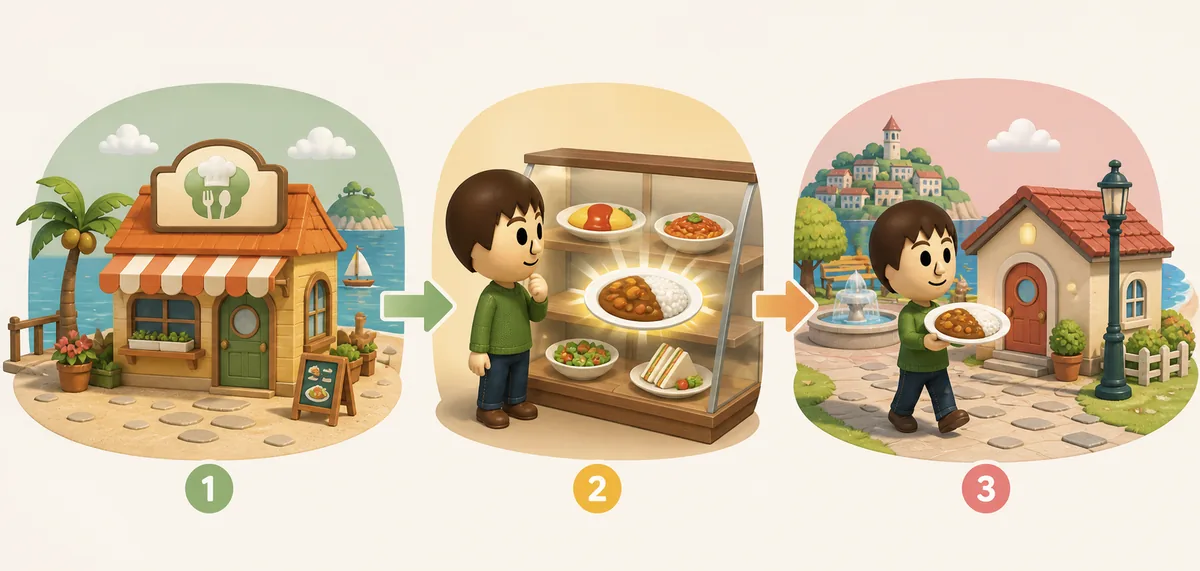
The procedural query how to buy food in Tomodachi Life is more useful than a generic download result. In normal play, follow the food shop route shown by your title and island progress, select an available item, and return to the resident or interaction where you want to test it. If you are using a guide for Living the Dream, make sure it describes the Switch-era game rather than a 3DS menu. Do not install a file just because a page says it contains a food pack, item unlocker, save editor, or premium catalog. The food action belongs inside the game; a third-party file is a separate risk and is not needed for the basic guide workflow.
-
Find the food shop in your current game
Follow the in-game map, menu, or progression hint that your title provides. A screenshot from another version may not match your island or interface.
-
Choose a small test set
Pick one familiar meal, one sweet or fruit item, and one more unusual dish if available. A small test set gives you useful contrast without wasting every item at once.
-
Give the food and watch the Mii
Read the animation and mood response. When you are testing a favorite, keep the resident, item, and title recorded so you do not confuse a one-off result with a universal rule.
-
Return to the shop only when needed
Use the shop for normal in-game items. If a page redirects you to an APK, ROM, EXE, NSP, XCI, torrent, or save archive, leave that path and use the safety checklist instead.
Favorite, Loved, Hated, and Ruined Food Reactions
Food reactions are the reason many players search for a favorite-food chart. The safest way to read a chart is as a reference for what to test, not as a guarantee. A Mii can show a strong positive response, a normal positive response, an indifferent response, or a negative response. Some community guides also distinguish a ruined or deliberately bad result. Those labels are useful for describing what you saw, but they should not be turned into a promise that a named dish will always produce the same animation for every resident. Record the Mii, the game title, the item, and the visible response if you are building your own island notes.
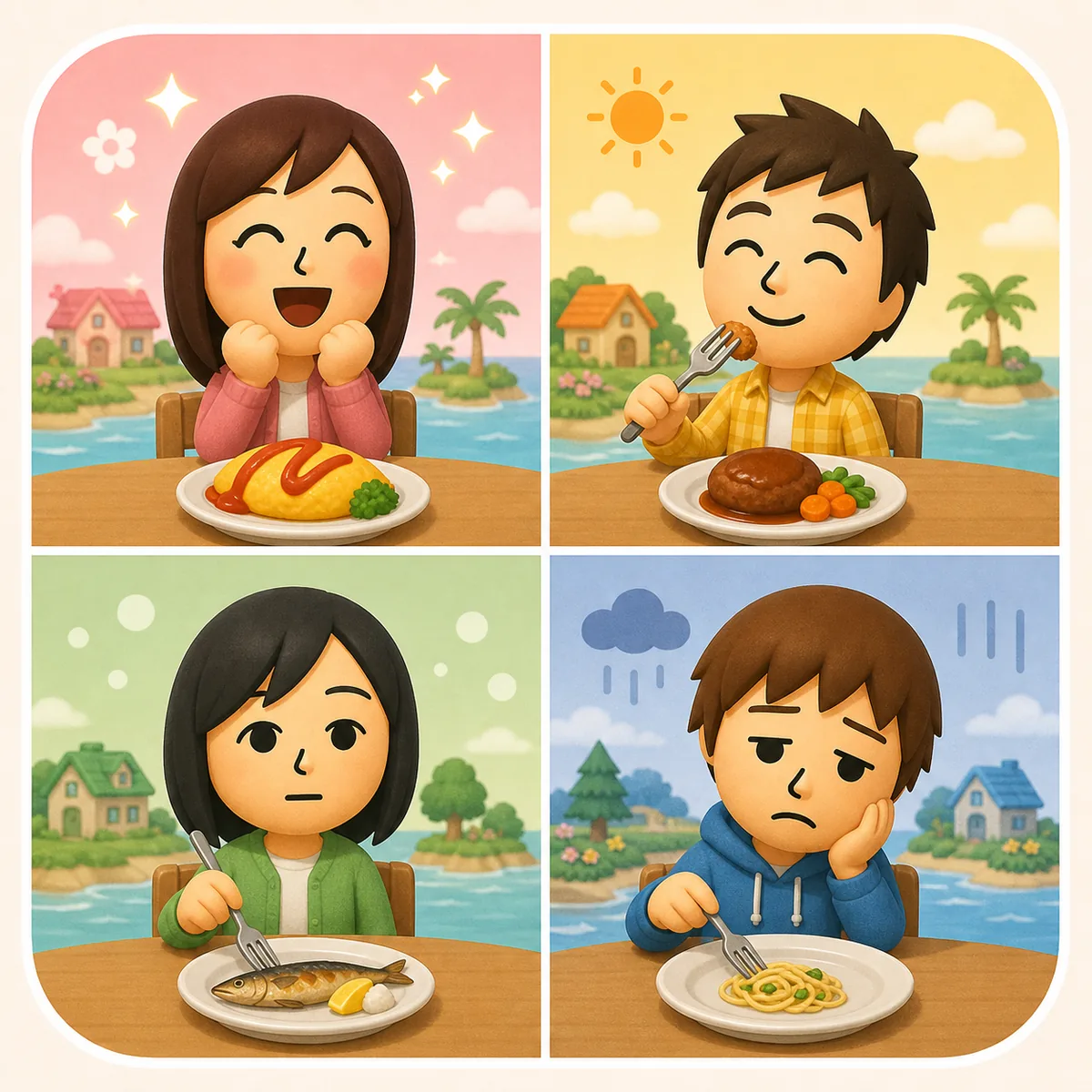
Loved or favorite
A very strong positive reaction is a clue about that resident's preference. Keep it as a resident-specific note rather than a universal best-food list.
Liked
A positive result can still be useful for routine care. It may not be the resident's strongest preference, but it is not a failed test.
Neutral
An indifferent response tells you that the item is not a strong signal for that Mii. Try another category later instead of forcing the same item.
Hated or ruined
A negative reaction can be recorded as an island note. It is not evidence that you need a mod, save editor, APK, or item-unlock download.
Original Tomodachi Life vs Living the Dream Food Context
The keyword Tomodachi Life food can refer to more than one title. The original game is associated with Nintendo 3DS and older community lists, while Tomodachi Life: Living the Dream is the newer Nintendo Switch title. That distinction matters when you read a food name, shop description, reaction chart, or video. The current official support context checked for this site lists Living the Dream Ver. 1.0.4, released July 22, 2026, and directs players to update through the console. This page does not offer an update file or game download; use the official support route for software updates and use this guide for food-reading decisions.
| Question | Original Tomodachi Life | Living the Dream |
|---|---|---|
| Platform context | Nintendo 3DS-era game | Nintendo Switch-era title |
| Food-list risk | Older fan lists may use old wording or region assumptions | Newer lists may mix launch details with later updates |
| Best verification | Original manual and clearly credited 3DS references | Nintendo product/support pages plus a current, credited guide |
| What not to download | ROMs, save archives, keys, BIOS files, and mystery installers | APK, NSP/XCI, torrents, update files, and unverified game packages |
Food Ideas for Daily Mii Care
If you want food ideas rather than a data dump, create a small rotation. Use one reliable item for routine care, one new category for testing, and one item chosen because it fits the resident's personality or story. Food can support the rhythm of an island, but it should not replace the broader systems that shape relationships, happiness, babies, or character planning. A food guide is most useful when it helps you decide what to try next without pretending that a perfect item will force a friendship, marriage, baby event, or fixed personality outcome.
Routine plate
Choose a familiar category for a quick daily interaction when you do not need new information.
Reaction test
Choose one item from a different category and note the response. This is better than copying a universal favorite claim.
Story match
Use a food that fits a resident's role, island district, season, or joke. The value is the story you create, not a hidden download reward.
Source check
When a named food appears in a list, confirm whether the list is for the original game or Living the Dream and whether the author credits a source.
Food Search and Download Claims to Avoid
A normal food question should lead to an in-game shop explanation, a clearly credited catalog, or a reaction guide. Be cautious when a page uses the word food as a reason to push an APK, full game download, ROM, save file, mod menu, item unlocker, or installer. A food list is text; it is not proof that a file is official. Check the platform, publisher, file type, permissions, redirect behavior, and source identity before opening anything. This site does not host food packs or copyrighted game files, and the practical food workflow does not require one.
-
Separate a list from a file
A page can explain food names without providing a package. Do not treat a catalog page as a download source.
-
Check the platform
APK means Android package; it is not a Nintendo 3DS or Switch food list. ROM, NSP, XCI, and save files are also different categories.
-
Reject forced redirects
Countdowns, fake scan buttons, multiple pop-ups, and requests for unrelated permissions are warning signs, not part of buying food in the game.
-
Use the safety guide
If you already downloaded something suspicious, stop installing it and follow the site's APK safety checklist rather than looking for another mirror.
Summary: The Best Tomodachi Life Food Guide Is a Testable One
Use Tomodachi Life food searches to find categories, buying steps, and reaction terminology. Verify the title first, buy through the in-game route, test one item with one Mii, and keep your own notes. Treat food lists as version- and source-dependent references, not as universal rankings or downloadable files. For platform and update facts, stay with official Nintendo information; for personal reactions, trust the visible result in your own island.
Related Tomodachi Life Guides
Living the Dream Guide
Check the newer title's platform, demo, update, and official-source context before reading a food list.
Read the game guidePersonalities Guide
Use personality notes as story context, not as a promise that one food will force a fixed result.
Compare personalitiesBabies and Family Guide
Keep food questions separate from relationship, marriage, and family-event questions.
Read the family guideIsland Layout Guide
Plan a food-themed district or a readable route without looking for an importable layout file.
Plan the islandAPK Safety Checklist
Use this when a food search turns into an APK, ROM, save, or installer claim.
Check download safetyItems Guide
Separate shop stock, custom creations, seasonal finds, gifts, and treasures from food-list questions.
Read the items guideSources and Verification Boundaries
Official pages are used for platform and update context. Third-party catalogs are reference material and should be checked against the title and version they describe.
Nintendo product information
Official product context for Tomodachi Life: Living the Dream on Nintendo Switch.
Open Nintendo sourceNintendo Support update page
Official update instructions and the current Ver. 1.0.4 support context checked for this guide.
Open support sourceThird-party food catalog
A community/editorial catalog can help locate named dishes, but its game title, region, and version scope must be checked before use.
Open catalog referenceTomodachi Life Food FAQ
What is the best food in Tomodachi Life?
There is no single best food for every Mii. Use a food list to choose a test item, then judge the resident's visible reaction in the game you are playing.
How do you buy food in Tomodachi Life?
Use the food shop and progression available in your title, choose an item, and give it to the Mii you want to test. Do not download a food pack or installer for this normal in-game action.
Is the Tomodachi Life food list the same as Living the Dream?
Not necessarily. The original Nintendo 3DS game and Tomodachi Life: Living the Dream are different platform contexts, so check the title and source of any list before assuming that every item or reaction transfers.
What food does every Mii love?
Treat universal favorite claims cautiously. A named food may be a popular example, but the reliable answer for your island is the reaction shown by the specific Mii in your own game.
What does a ruined meal mean?
A ruined result is a negative reaction category used by some guides. It is something to record as an in-game result, not evidence that you need a mod, save editor, APK, or item-unlock file.
Is there a Tomodachi Life food APK or food pack?
A food guide does not require an APK or file pack. This site does not host game files; if a page pushes an APK, ROM, NSP/XCI, torrent, or installer, switch to the download-safety checklist.
What is the current Living the Dream version mentioned here?
The official support context checked on August 11, 2026 lists Ver. 1.0.4, released July 22, 2026. Use Nintendo's console update flow rather than searching for a standalone update file.