Items guide · checked August 22, 2026
Tomodachi Life Items Guide: Shops, Custom Items, and Seasonal Finds
Searching for Tomodachi Life items? Start by separating ordinary shop stock, gifts and treasures, seasonal or market finds, and custom creations. This guide gives you a practical item list framework for the original Nintendo 3DS game and Tomodachi Life: Living the Dream, without pretending that one fan-made catalog covers every title, region, or update.
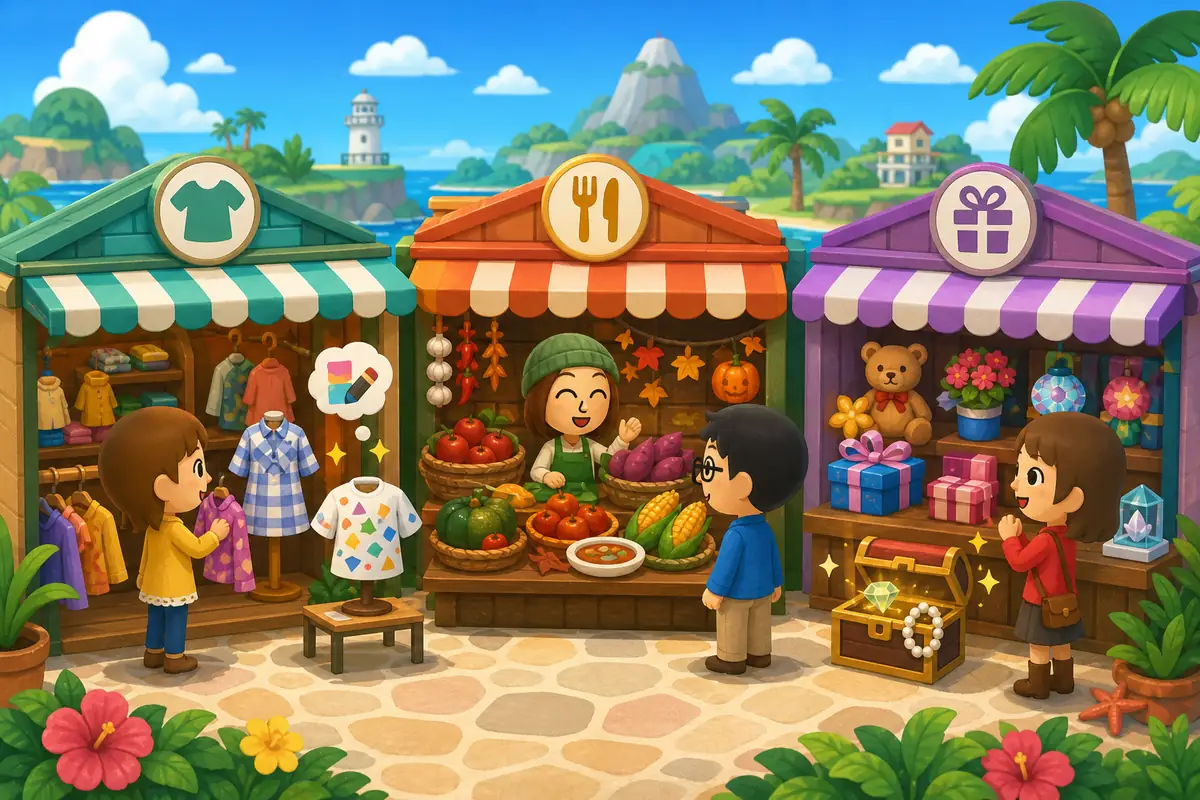
Sort before you search
An item list is easier to use when you separate shop stock, gifts, seasonal items, and custom creations instead of mixing every name together.
Check the title
The original 3DS game and Living the Dream use different platform contexts. A community list may not transfer perfectly between them.
No item-file download
Normal item collecting happens inside the game. An APK, ROM, save editor, or mystery item pack is not required for this guide.
Quick Answer: How Tomodachi Life Items Work
Tomodachi Life items are best understood as several systems rather than one universal catalog. Some items come from ordinary shops or changing stock. Others are gifts, treasures, seasonal decorations, or objects connected to a market or event. A separate group consists of custom items that a player creates or imports through features available in the title being played. When a search result says “all items,” first ask which game it describes, whether the list is for the original Nintendo 3DS release or Living the Dream, and whether the author has recorded a region or update boundary. A useful guide helps you find the right in-game route and keeps your own notes; it should not promise that every item appears on every island or that one downloadable file unlocks everything.
-
1. Identify the game context
Write down whether you are playing the original Tomodachi Life on Nintendo 3DS or Tomodachi Life: Living the Dream on Nintendo Switch. Similar search wording can hide different item pools and menus.
-
2. Classify the item
Decide whether the result is shop stock, food, clothing, a gift, a treasure, a seasonal item, or a custom creation. The category usually tells you which in-game route to check.
-
3. Verify inside the game
Use the shop, market, resident interaction, event, or creation feature available in your title. Treat a community name as a lead until your own game confirms it.
-
4. Record the useful boundary
Keep the item name, source, game title, and version together. This prevents an old 3DS list from being presented as a complete Living the Dream catalog.
Tomodachi Life Items List: Four Useful Categories
Searches such as Tomodachi Life items, Tomodachi Life custom items, and Tomodachi Life seasonal items often point to a list request. A category map is more durable than a copied wall of names because translations, release versions, and community terminology can differ. Use the table to decide what to look for next, then check a credited guide or the game itself. The examples below are search directions, not a guarantee that every item is available in every mode or region.
| Category | Typical search examples | Best verification route |
|---|---|---|
| Shop items | Clothing, accessories, interiors, food | Open the matching in-game shop and check its current stock. |
| Gifts and treasures | Treasure, present, level-up gift | Use the resident interaction or reward context where the item appears. |
| Seasonal and market items | Seasonal item, night market, event item | Check the event, date, market, or rotation rules for your title. |
| Custom items | Custom shirt, drawn item, imported design | Use the supported creation or sharing feature; do not infer an import format from a picture. |
| Food and care items | Food list, favorite food, reaction item | Keep food questions separate from clothing, treasure, and custom-design lists. |
| Item-list claims | All items, item pack, unlock file | Check the publisher, platform, file type, and whether an official source exists. |
How to Get Items in Tomodachi Life
The phrase how to get items can mean several different actions. In normal play, start with the route the game exposes instead of looking for an external item pack. Shops may rotate or unlock stock as the island changes. Residents can also be connected to gifts, treasures, and progression moments. A market or seasonal activity may have its own timing. Because the original game and Living the Dream are different titles, a step-by-step video should always show which version it uses. If a page jumps from an item list to a supposed APK, ROM, save archive, or “100% unlock” download, the file claim is a separate safety issue and not part of collecting ordinary items.
-
Start with the matching shop
If the item is clothing, food, an interior, or a small accessory, check the in-game shop that normally handles that category. Do not assume a list from another title uses the same menu name.
-
Check changing stock and events
Some searches refer to seasonal stock, market appearances, or time-based availability. Note the game title and the date or event context before calling an item permanently unavailable.
-
Use residents and rewards
Gifts and treasures may be tied to resident interactions, level progress, or a reward moment. Read the visible in-game description instead of assuming that a generic item list explains the trigger.
-
Keep custom creation separate
A custom item is made through a creation or sharing feature, not necessarily found in the same shop as ordinary stock. Save the source and title of any design reference.
-
Make your own small checklist
Record category, item name, title, source, and result. A short island log is often more reliable than a long uncited list that mixes two games.
Custom Items: What You Can Actually Create
Custom item searches are useful because players often want to understand the boundary between a design they made and an official item that appears in a shop. Think of custom work as a creative layer: choose a supported object, shape or draw the design through the feature provided by your title, and then test how it appears in play. A screenshot of a shirt, accessory, or interior does not prove that the same design can be imported into another platform, shared through a universal file, or unlocked by an external installer. Keep the design process, the sharing process, and the safety question separate.
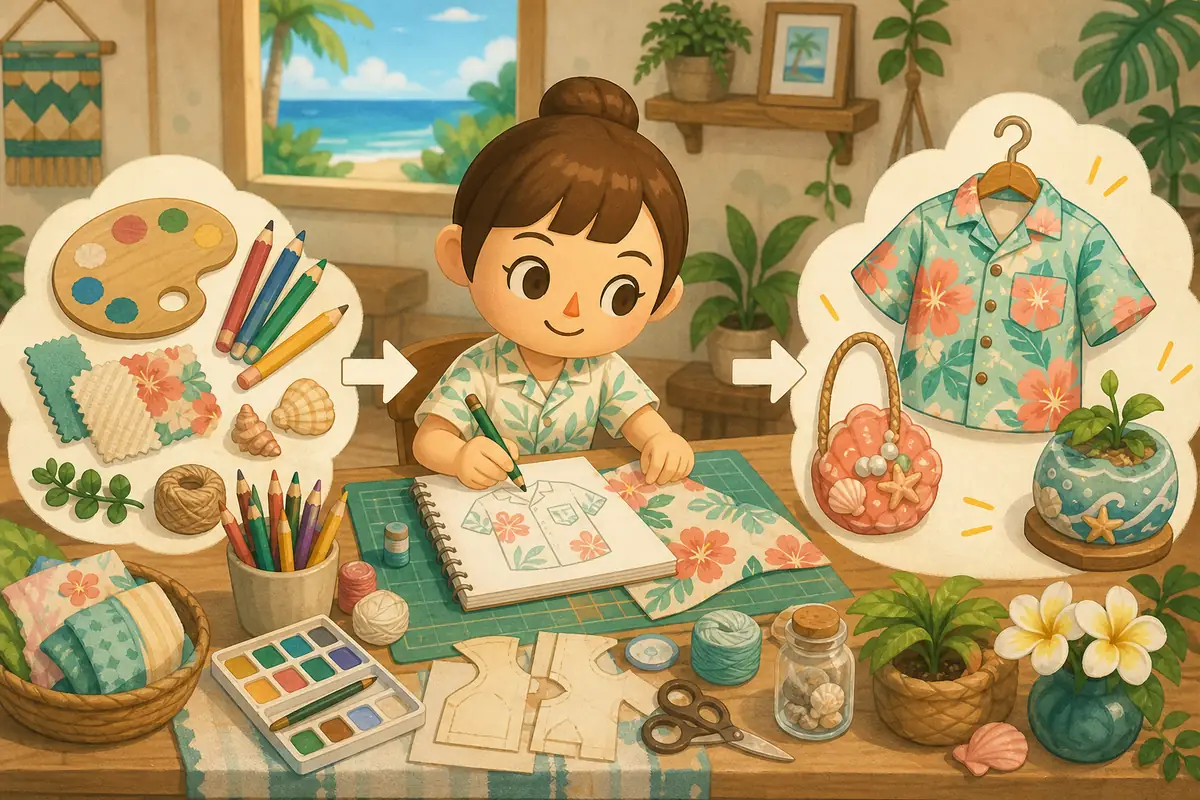
Choose the supported object
Start with the clothing, accessory, decoration, or other object type that the game actually lets you edit. A fan image may show a concept rather than an available slot.
Design for readability
Use a simple shape, a limited palette, and a clear theme. Small details can disappear when the item is seen on a resident or in an island scene.
Test the finished item
Check how the design looks in the intended game, language, and screen context. Keep a note of the title and feature used so the result is reproducible.
Do not infer a file format
A design image is not automatically a save, mod, APK, ROM, NSP, XCI, or import package. Only use a sharing method that the official game or a clearly documented community tool supports.
Seasonal Items, Shops, and Night Market Questions
Seasonal item searches often mix three different needs: finding a decoration for a particular time of year, understanding a rotating shop or market, and checking whether a date change affects stock. These are not the same question. Use a seasonal list as a planning reference, but confirm the date, event, title, and update context. If a guide says that every store has identical stock or that changing the system clock guarantees a particular item, treat that as a claim to verify rather than a rule to repeat. The most helpful answer explains what to look for and what the source does not establish.
| Search question | Useful note | Do not assume |
|---|---|---|
| Are seasonal items available now? | Check the title, event, date, and source of the list. | A list from the 3DS game automatically applies to Living the Dream. |
| Do stores have different items? | Compare the actual shop or market context shown by the guide. | Every shop has a fixed universal inventory. |
| How do I get night-market items? | Look for the in-game market route and timing described for your title. | A download page is the normal way to unlock a market item. |
| Do date changes refresh items? | Treat clock-change advice as version-sensitive and back up your own save first. | Changing the date guarantees a specific result without risk. |
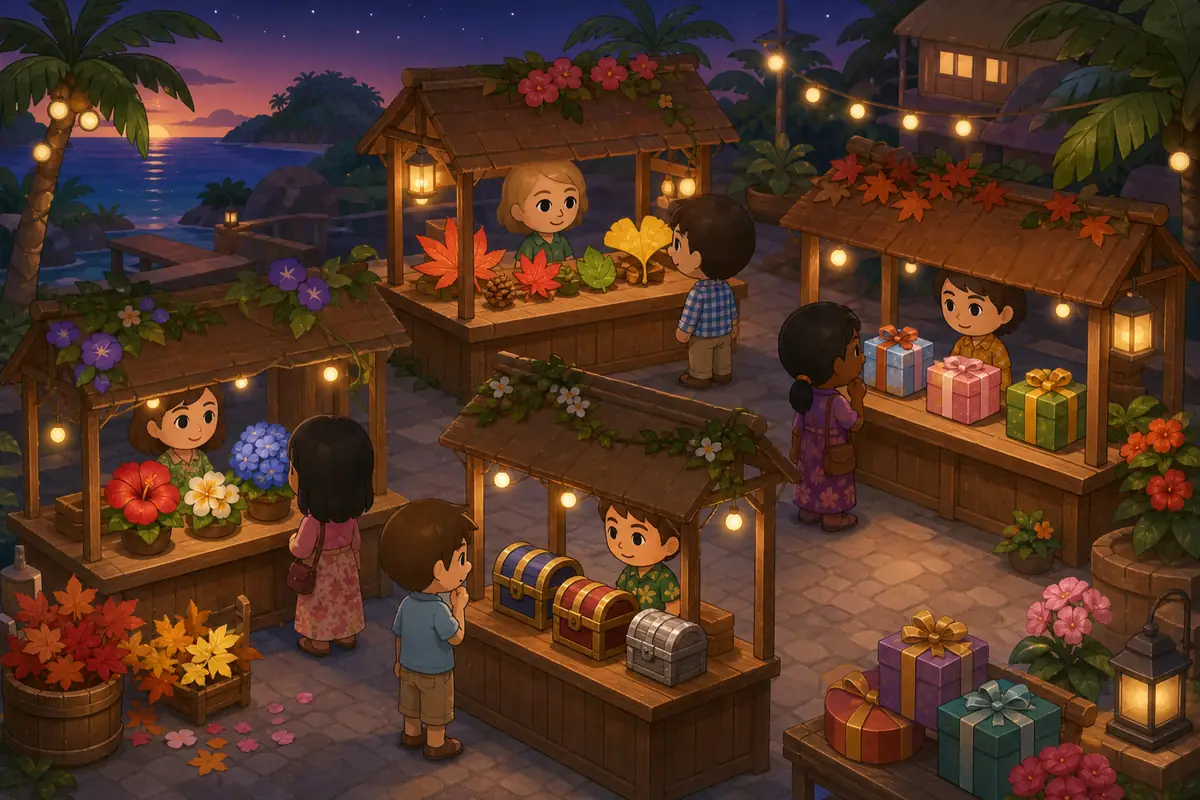
Gifts, Treasures, and Mii Happiness
Gifts and treasures sit between item collecting and resident care. A present may be useful because it fits a resident's story, changes a routine, or helps you remember a progression moment; it should not be treated as a universal shortcut for friendship, romance, or happiness. When you search for level-up gifts, birthday gifts, or treasure items, note whether the question is about the original Tomodachi Life or Living the Dream. The answer may depend on the resident, the event, or the version. For food reactions, use the separate food guide; for relationships and marriage, keep the item question separate from the relationship system.
Match the resident
Use a gift as a story choice or a care action that fits the Mii. A good match is more useful than a promise that one treasure works for everyone.
Read the reward context
When an item appears after a level, event, or interaction, record the trigger with the item name. Do not copy a reward into a universal list without its context.
Separate happiness from unlock claims
A gift may influence the play experience, but that does not prove it unlocks every shop, relationship, or hidden feature. Keep the guide cautious about cause and effect.
Link the right guide
Use the food, personalities, babies, marriage, or island-layout guide for the neighboring question instead of forcing every search into an item list.
Original Tomodachi Life vs Living the Dream Items
Many item searches use the same short phrase for two different game contexts. The original Tomodachi Life is associated with Nintendo 3DS, while Tomodachi Life: Living the Dream is the newer Nintendo Switch title. A fan list may be accurate for one game and still be a poor answer for the other. Keep the platform visible in a title, caption, or source note. The official version check for this site found Tomodachi Life: Living the Dream Ver. 1.0.4, released July 22, 2026; that version fact does not turn an old item list into a complete current catalog.
| Question | Original Tomodachi Life | Living the Dream |
|---|---|---|
| Platform context | Nintendo 3DS-era game | Nintendo Switch-era title |
| List risk | Older community names may reflect the 3DS release or region | Newer lists may mix launch details, updates, and fan terminology |
| Best use of a screenshot | Identify the game and menu before copying an item name | Use product/support context and label editorial illustrations clearly |
| Download boundary | ROMs, save archives, keys, and BIOS files are separate risks | APK, NSP/XCI, torrents, update files, and unknown installers are separate risks |
Item Lists, Update Claims, and Download Safety
A normal item guide should help you navigate the game, not push an unrelated file. Be cautious when a page uses “all items,” “item pack,” “unlocker,” or “latest update” as a reason to request a download. Check who publishes the page, which platform it describes, what file type it offers, and whether an official source confirms the claim. Nintendo's current support flow distributes the Living the Dream update through the console, not as a mystery item archive. This site does not provide item packs, APKs, ROMs, save files, or standalone game updates.
A list is not a file
A page can explain item categories and names without offering a package. Treat a catalog as information, not proof that a download is official.
Platform claims need a source
An Android APK, PC installer, 3DS ROM, Switch package, and custom-design reference are different things. Do not let one keyword hide those boundaries.
Use official update routes
For platform and update facts, follow Nintendo's product and support pages. Do not search for a separate patch, unlock archive, or item file just because a page uses a newer version number.
Summary: Build Your Own Tomodachi Life Item Notes
Use Tomodachi Life item searches to find the right category, not to chase one giant uncited catalog. Identify the game, classify the item, check the in-game route, and record the source and version. Keep custom designs, seasonal markets, gifts, food, and relationship questions separate. That approach gives you a more useful island notebook and keeps ordinary collecting distinct from unsafe download claims.
Related Tomodachi Life Guides
Food Guide
Separate food lists and Mii reactions from clothing, gifts, treasures, and custom items.
Read the food guideIsland Layout Guide
Plan a food, market, or seasonal district without treating a screenshot as an importable layout file.
Plan the islandMii Sharing Guide
Check QR-code, import, and sharing boundaries before treating a design image as a transferable item file.
Read the sharing guidePersonalities Guide
Use resident personality as story context instead of treating a gift or item as a guaranteed outcome.
Compare personalitiesAPK Safety Checklist
Use this when an item search turns into an APK, ROM, save, torrent, or installer claim.
Check download safetyOfficial Sources and Verification Boundaries
Nintendo pages support platform, feature, and update context. Item names and rotation details should still be checked against the title and version in which they appear.
Nintendo product information
Official Tomodachi Life: Living the Dream product and platform context.
Open product pageNintendo game FAQ
Official feature and platform answers for Living the Dream.
Open official FAQNintendo update support
Official update route and the Ver. 1.0.4 context checked for this guide.
Open update sourceTomodachi Life Items FAQ
How do you get items in Tomodachi Life?
Start with the shop, market, resident interaction, event, or creation feature that matches the item category in your game. Keep the title and version with the item name; an external item pack is not required.
Are the Tomodachi Life items the same in the 3DS game and Living the Dream?
Do not assume they are identical. The original Nintendo 3DS game and Living the Dream are different platform contexts, so verify the title, source, and version before copying a list or reaction.
What are Tomodachi Life custom items?
Custom items are designs or objects made through a creation or sharing feature supported by the title. A picture of a custom shirt or decoration does not prove that it is a universal import file.
Do Tomodachi Life stores have different items?
Treat that as a title- and context-dependent question. Check the actual shop or market description and do not turn one player's inventory into a universal rule.
How do seasonal or night-market items work?
Look for the in-game event, market, rotation, or date context described for your title. Seasonal guides can be useful references, but a list does not guarantee a specific item without the same conditions.
Can a gift unlock happiness, friendship, or marriage?
A gift can be part of resident care, but do not promise that one item forces a relationship or hidden unlock. Use the relationship, marriage, or babies guide for those separate systems.
Is there a Tomodachi Life item APK, ROM, or unlocker?
Normal item collecting does not require an APK, ROM, save archive, NSP/XCI, torrent, or unlocker. Treat pages that push those files as a separate download-safety problem and use official sources instead.
What is the current Living the Dream version mentioned here?
The official support context checked on August 22, 2026 lists Ver. 1.0.4, released July 22, 2026. Use the console's official update flow rather than searching for a standalone item or patch file.