Birthday event guide · checked November 16, 2026
Tomodachi Life Birthday Guide: Player and Mii Events
A Tomodachi Life birthday can create a small island celebration, but the exact scene depends on whose date is being observed and which release you are playing. This guide explains the player birthday, Mii birthdays, date settings, the normal trigger, what to do when nothing appears, and why 3DS notes should stay separate from Tomodachi Life: Living the Dream.
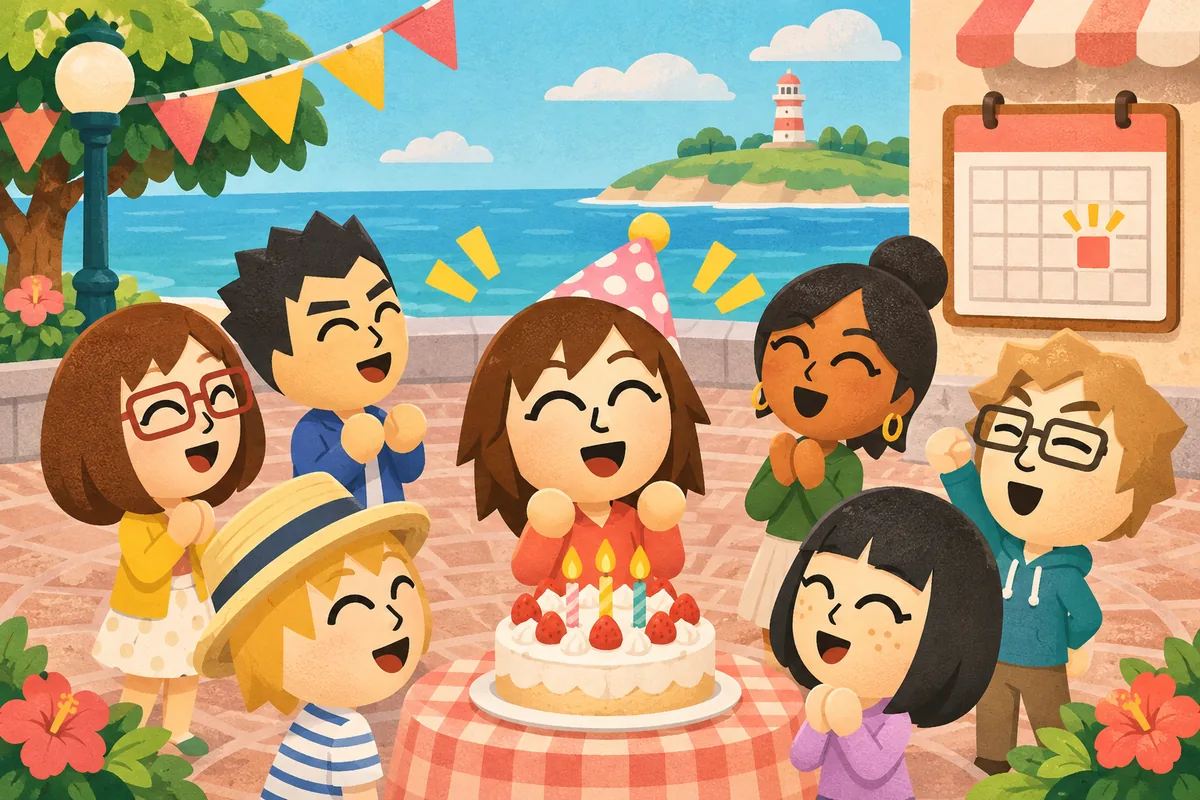
Set the date first
A birthday event cannot follow a date the Mii does not have in its profile. Check the player and Mii settings before troubleshooting the celebration.
Open the game on the day
The usual trigger is a normal launch on the saved birthday. A late start or a date mismatch can make the event look missing even when the save is fine.
Keep releases separate
The original 3DS game and Living the Dream can use different menus, scenes, and wording. A community list is evidence for its named release only.
Quick answer: what happens on a Tomodachi Life birthday?
On a Tomodachi Life birthday, the game can call the player or a Mii into a celebration scene when the saved date matches the current game date. The player birthday is usually presented as a special group event with a song, messages, and a photo opportunity. A Mii birthday is treated as an island news or party moment, depending on the release. The important answer is that you do not need an APK, a ROM, a special download, or a hidden online service to see the normal event. You need a correctly saved date and a regular start of the game. If you are checking a guide, identify the console and title before copying its steps. The steps below keep the diagnosis simple and make clear which result is expected rather than guaranteed.
-
1. Identify the birthday owner
Decide whether the date belongs to the player profile or to one of the island Miis. The two events can look different and may be described with different labels in community guides.
-
2. Confirm the saved date
Open the relevant profile and check the month and day. A wrong year usually matters less than a wrong month or day, but the exact behavior is release dependent.
-
3. Launch on the matching date
Start the game normally on the birthday. Give the opening news or plaza sequence time to load before jumping between buildings or menus.
-
4. Record what your release shows
Note the message, party location, song, cake, gift, or photo prompt you actually see. Use that observation when a list from another release disagrees.
Tomodachi Life birthday events: player versus Mii
The phrase Tomodachi Life birthday covers more than one event. A player birthday is connected to the human profile and is often framed as a larger celebration in the plaza. A Mii birthday belongs to a resident and may appear through island news, a party, or a short group message. The practical difference matters when you are searching for a missing scene: changing a resident's date will not necessarily reproduce the player celebration, and changing the player profile will not edit every resident. The table is a recognition aid, not a promise that every region uses identical wording. Treat the visible scene as the strongest evidence for your save.
| Birthday type | Who owns the date | What to check |
|---|---|---|
| Player birthday | The player profile | Launch on the saved date and watch the opening celebration or plaza prompt. |
| Mii birthday | One island resident | Check the resident profile, then look for news, a party, or a group greeting. |
| Community birthday list | A creator's recorded cast | Use it as a reference for names and dates, not as a universal event schedule. |
How to set or change a birthday date
If the birthday is wrong, first decide whether you are editing the player profile or a Mii. Change the date through the normal profile controls available in your release, then save the profile before leaving the menu. Do not assume that changing the system clock proves the event works; clock changes can affect other simulation behaviors and can make a save harder to interpret. When a guide says a date can be changed, read the release label and the date scope carefully. A player date and a resident date are separate pieces of data. After the edit, use a controlled test: set a nearby date that you can observe, close the profile, and launch on that date. Restore the real date afterward if you were only testing. Keep a backup of emulator save data before experimenting, and never download a stranger's save file to repair a birthday.
-
Open the correct profile
For a resident, enter the Mii's profile or edit screen. For the player event, use the player or island settings that hold the birthday.
-
Review month and day
Read the displayed date slowly and check the regional order if the menu uses numbers. A one-day or one-month error is enough to move the event.
-
Save, exit, and relaunch
Confirm the edit, leave the profile cleanly, and launch again on the matching date. Avoid testing from a half-saved menu state.
-
Restore test settings
If you used a temporary test date, return the profile and system clock to normal after documenting the result. Keep the change reversible.
How to trigger the event without missing it
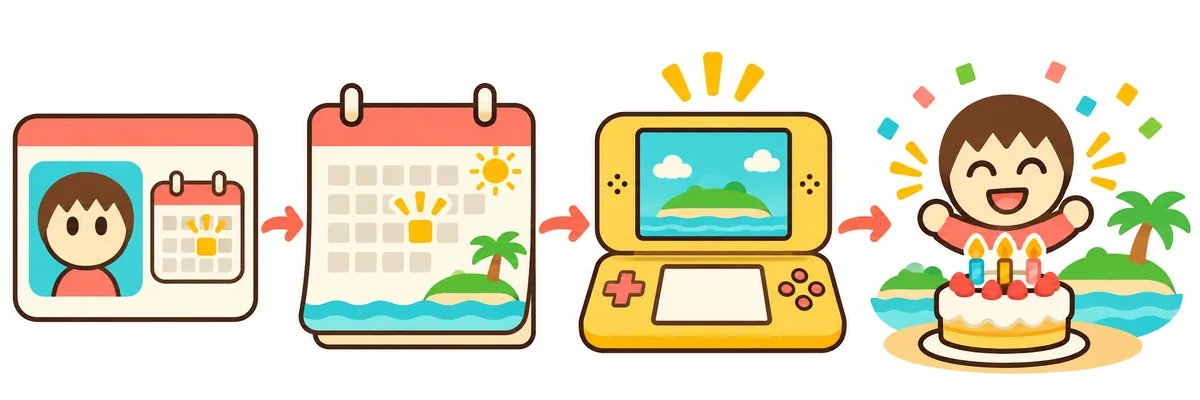
A Tomodachi Life birthday is easiest to verify with a quiet, repeatable routine. Start the correct title on the matching date, let the first news or plaza sequence finish, and then visit the resident areas. If the game opens to another urgent problem, resolve it or read the event queue before searching for the birthday. Avoid resetting repeatedly to force a scene; a reset changes several variables at once and does not show which condition mattered. On an emulator, confirm that the host date, save date, and title region agree. On original hardware, use the normal system date and a clean save. A birthday is an in-game event, not a download reward, so pages that offer a birthday APK or a magic trigger file are outside the normal play path.
-
Start with the named release
Use the original 3DS title or Living the Dream guide that matches your device. Do not apply a Switch menu instruction to a 3DS save without checking it.
-
Launch on the saved date
Open the game once on the birthday and wait for the opening scene. If the date is close to midnight, record the local time rather than guessing.
-
Check the event queue
Read news, plaza prompts, and resident alerts before shopping or leaving the island. The celebration may be presented as a short scheduled scene.
-
Capture notes, not files
Write down what happened and, when the game supports it, use the in-game camera. Do not exchange unknown save archives or installers to recreate a birthday.
What the birthday celebration can include
Guides often mention a birthday song, special messages, a cake, a party with other Miis, or a commemorative photo. These details describe common event shapes, not a guaranteed item table. The player event may emphasize the group greeting, while a resident event can be shorter or appear in news. A gift can be part of a particular version or scene, but it should not be confused with the catalog of gifts and treasures in the Items guide. Screenshots are useful for confirming one scene, yet they do not prove that every language, region, or title has the same text. When you write down a result, include the date, title, platform, and whether it was the player or a Mii. That small context makes later comparisons much more reliable.
| Possible detail | How to read it | Boundary |
|---|---|---|
| Birthday song or message | A celebration cue for the player or resident | Wording can vary by language and release. |
| Cake or group party | A visible scene that confirms the event fired | It is not proof of a universal gift drop. |
| Commemorative photo | A record of the scene when the feature is available | Some capture features can be limited in specific moments. |
| Gift or item | An observation connected to that event | Use the Items guide for complete item and shop coverage. |
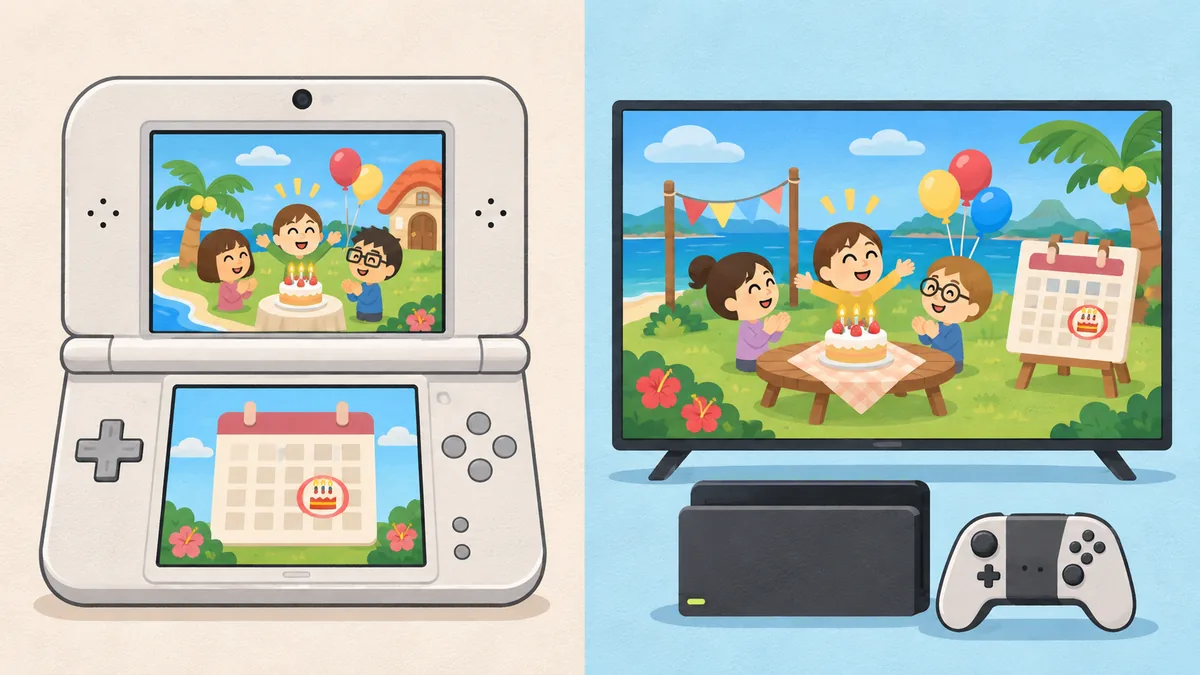
3DS and Living the Dream birthday differences
Search results combine the original Tomodachi Life for Nintendo 3DS with Tomodachi Life: Living the Dream for Nintendo Switch. Both use Mii residents and calendar dates, but their menus, news presentation, camera behavior, and event wording can differ. The original title also belongs to a platform whose official online communication services ended in 2024; that fact does not erase offline birthday play. Living the Dream uses its own Switch-era product and update context. When a current guide names a party, cake, or photo, check whether the page is explicitly about Living the Dream. When a wiki uses older labels, keep them in the 3DS column of your notes. This separation prevents a harmless wording difference from being mistaken for a broken save, and it keeps the article useful without claiming that one release proves the other.
| Question | Safer interpretation | Do not assume |
|---|---|---|
| Which game is this? | Check the console, title, and page date. | A shared franchise name means identical menus. |
| Can a 3DS list explain Switch? | Use it for historical context only. | Every 3DS scene or reward exists in Living the Dream. |
| Does offline play matter? | Birthday logic can be tested in a normal local save. | An ended online service creates a birthday download requirement. |
| Where do platform facts come from? | Use Nintendo product and support pages. | Treat a community APK page as an official source. |
Troubleshooting a missing or wrong birthday
When a Tomodachi Life birthday does not appear, check the smallest possible cause first. Confirm the owner of the date, the month and day, the title, and the save you actually opened. Then launch normally and let the opening event queue finish. If you changed a system clock or emulator setting, return it to a stable value before testing again. A missing scene can be a date mismatch, a different resident, a guide for another release, or a celebration you already passed. It is not evidence that you need an APK, a patch file, or a stranger's save. Keep the diagnosis factual: record the platform, region, date, event owner, and visible message. That record gives you something useful to compare with a current guide or official support page.
-
Check the date owner
Verify that the date belongs to the player or the named Mii you expected. Similar names and a large cast make this an easy mistake.
-
Check the active save
Make sure the emulator or console opened the save you edited. A second profile can still show the old calendar data.
-
Check the title and region
Compare the guide heading with the exact game release. Translate the date format instead of copying a number blindly.
-
Remove clock experiments
Return the system or emulator clock to a stable, ordinary setting. Then launch once and observe the result without repeated resets.
-
Stop before downloading a fix
Birthday events do not require an APK, ROM, cracked patch, or unknown save. Leave pages that use the missing event to sell a file.
Safe research and spoiler boundaries
Birthday guides are often community archives, so use them carefully. A wiki can preserve old greetings and dates, while a current walkthrough can describe a newer party. Label each observation with its game, date, and source. Avoid copying a full cast calendar when a short explanation answers the question, and warn readers when a list may spoil a joke or reveal a resident. Official Nintendo pages are best for platform and update facts; they are not a replacement for a detailed event log. This site explains normal play and links to related guides, but it does not host APKs, ROMs, torrents, save archives, or game files. A birthday is a calendar event inside the game, not a reason to install an unknown program.
Use the right source
Official pages anchor platform facts; dated community pages can document event observations. Keep those roles distinct.
Mark uncertainty
If a reward or line changes by release, say so instead of turning one screenshot into a universal rule.
Protect the save
Back up your own save before testing dates. Do not trade credentials, unknown archives, or installers for a birthday result.
Summary: use the calendar, not a download
The reliable Tomodachi Life birthday workflow is simple: identify the player or Mii date, confirm the month and day, launch the matching release on that date, and record the celebration your own save shows. If nothing happens, check the active save, title, region, and clock before assuming a bug. Keep 3DS and Living the Dream notes separate, link gift questions to the Items guide, and treat community lists as observations. The normal birthday event needs no APK, ROM, patch, or online file.
Related Tomodachi Life Guides
Items and gifts guide
Use this page for shops, gifts, treasures, and seasonal item questions that sit outside birthday timing.
Read the items guideRelationship levels guide
Separate birthday celebrations from friendship, romance, and relationship status changes.
Review relationship levelsLiving the Dream guide
Check Switch-era platform facts and keep current-title notes separate from 3DS observations.
Open the game guideCharacters guide
Plan a cast and confirm which resident owns a birthday date before testing an event.
Plan your castSave data guide
Protect an emulator save before changing dates or testing a calendar edge case.
Read the save guideAPK safety checklist
Use the safety checklist if a missing birthday leads you to an unknown download page.
Check download safetySources and verification boundaries
Use official Nintendo pages for platform context and dated guides or wikis for version-specific birthday observations.
Nintendo Living the Dream product page
Official product context for the Switch title. It is the source for platform identity, not a complete birthday event log.
Open Nintendo sourceCurrent birthday walkthrough
Game8's April 2026 article documents the player birthday trigger, cake, messages, photo, and Mii party flow for Living the Dream.
Open the walkthroughCommunity birthday archive
The Tomodachi wiki preserves older birthday terminology and greetings. Treat it as an observation archive and check the named release.
Open the archiveTomodachi Life birthday FAQ
What happens on a Tomodachi Life birthday?
The game can show a special celebration when the saved player or Mii date matches the current date. Common details include a group greeting, song, messages, cake, a party, or a commemorative photo, but wording and sequence depend on the release.
Can I change a Mii's birthday?
Use the normal profile or edit controls for the Mii in your release, save the change, and relaunch on the matching date. Keep player and resident dates separate, and restore any temporary test setting afterward.
Why is my Tomodachi Life birthday event not happening?
Check the date owner, active save, month and day, title, region, and system or emulator clock. Launch normally and let the opening event queue finish before concluding that the event is missing.
Does the 3DS birthday work the same as Living the Dream?
Both games use calendar dates and Mii residents, but menus, news wording, capture behavior, and event presentation can differ. Use a guide that names your exact title and console.
Do birthdays give a guaranteed gift?
A gift may appear in a particular event or release, but a birthday guide is not a universal item table. Record what your save shows and use the Items guide for catalog and shop coverage.
Do I need a birthday APK or ROM?
No. A normal birthday event is part of the game and does not require an APK, ROM, patch, save archive, or unknown installer. Avoid pages that use a missing event to sell a file.
Can changing the system clock force a birthday?
Clock experiments can change other simulation behavior and make a save harder to diagnose. Use the normal date first, keep a backup before testing, and do not treat a clock change as an official trigger method.
Where should I read about birthday gifts or relationships?
Use the Items guide for gifts and the Relationship Levels guide for friendship or romance changes. This page stays focused on the birthday date, trigger, celebration, and troubleshooting path.